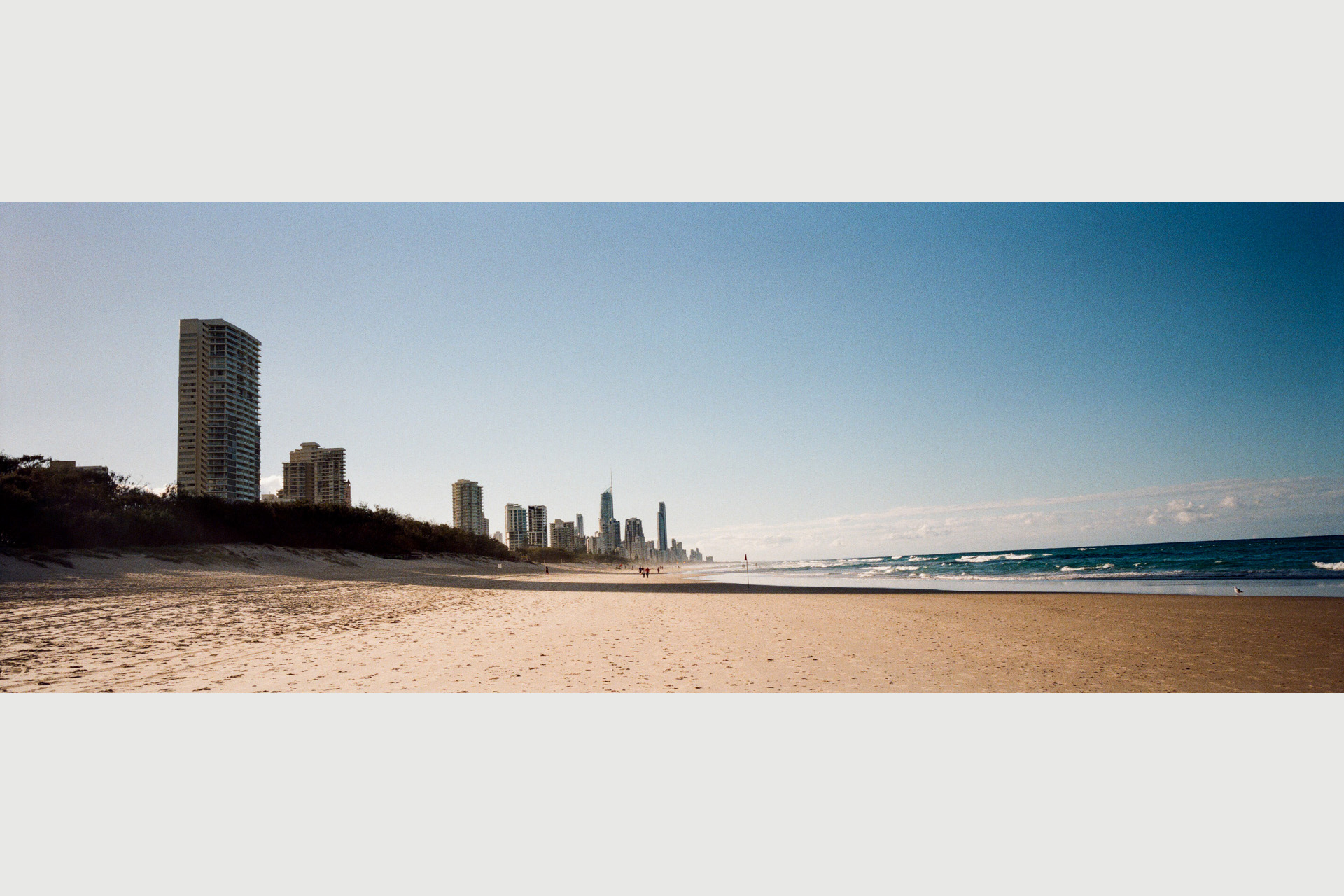
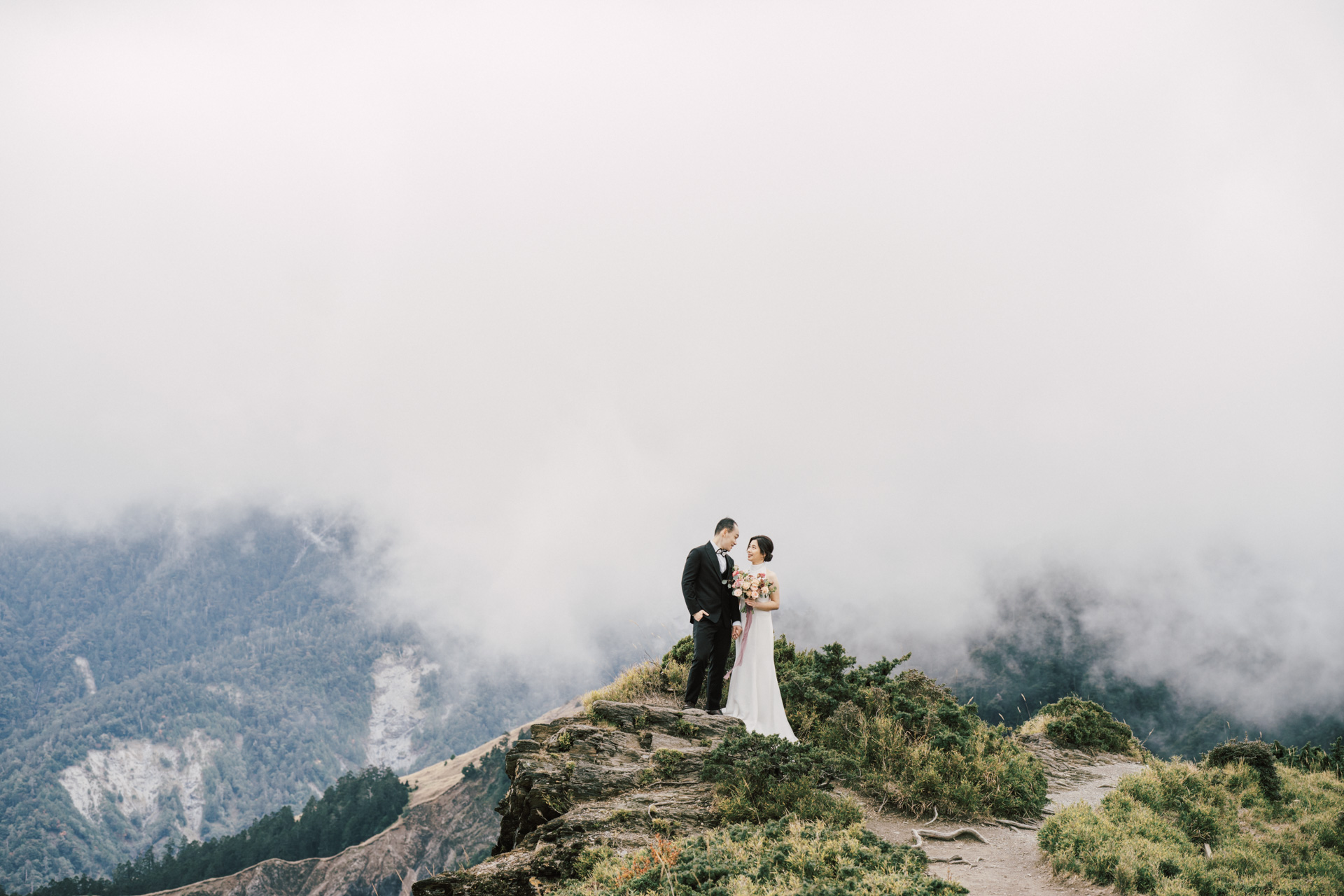
Using the author's V.Kiu's opening: "Compared to many overseas reviews, this one is clearly not sponsored!" This is Taiwan's first user review of the Hasselblad X2D-100C, from a photographer who has long used the Hasselblad X system.
By V.Kiu
This article is reposted from https://www.vkiu.online/hasselblad-x2d100c-/
.
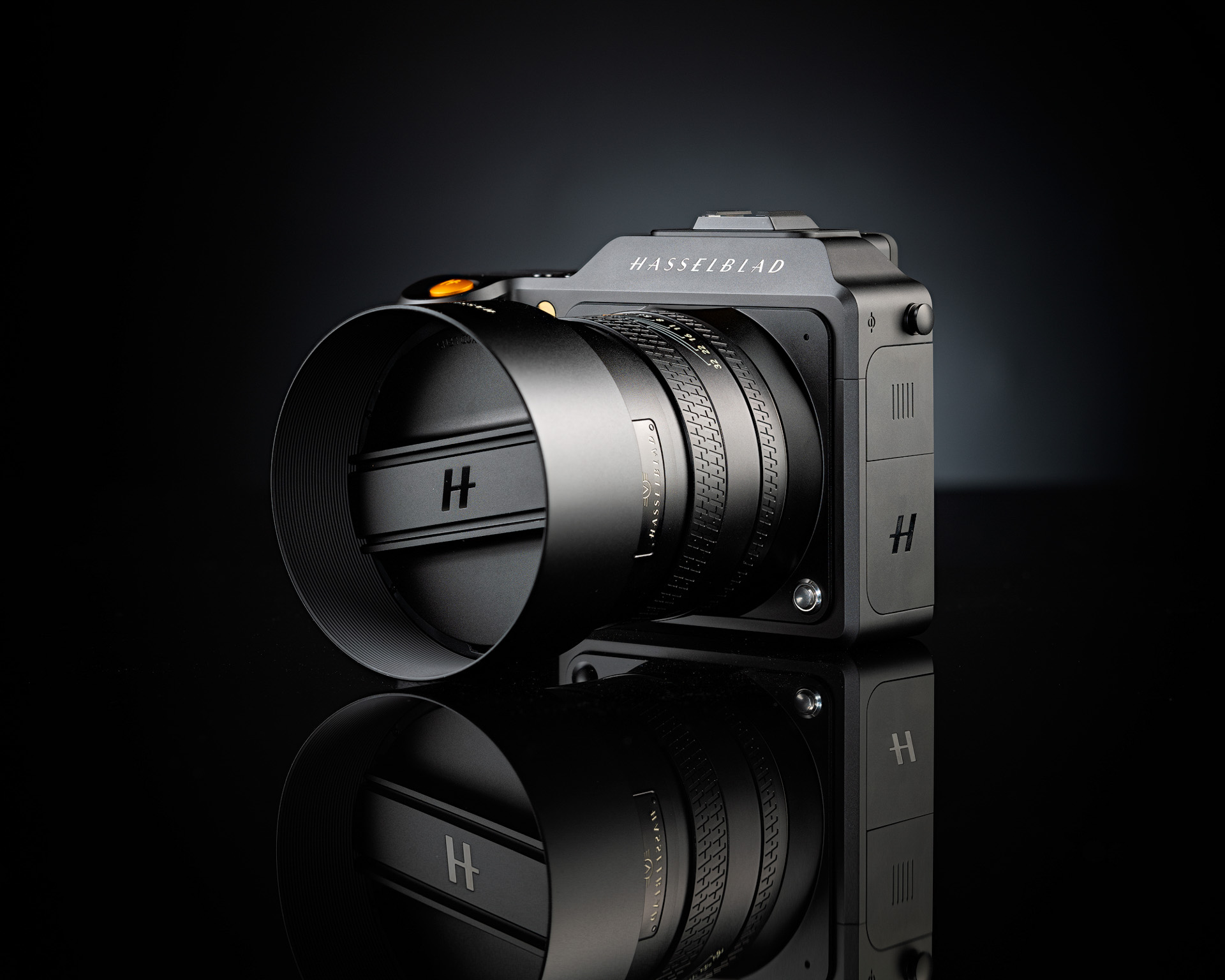
On September 7, 2022, Hasselblad announced its new 100-megapixel mirrorless medium format camera. The CMOS is the same 43.8 × 32.9mm size as the previous X1D, but resolution jumped from 50 to 100 megapixels. It arrived a full three years after the Fujifilm GFX100 — and it's reasonable to suspect they share the same Sony CMOS. Thanks to three years of technological progress, the X2D naturally has plenty of advantages. Of course, price remains Hasselblad's eternal disadvantage.


Unboxing the camera holds no surprises. At some point, camera companies started caring more about the environment — Hasselblad and Leica alike. On a body costing over NT$200,000, packaging quality (and accessories) has declined year after year, with many accessories left for you to buy separately. The X2D's accessories are simple: one battery, a standard charger, and a strap. My advice: buy the official fast charger that charges two batteries at once (Battery Charging Hub).
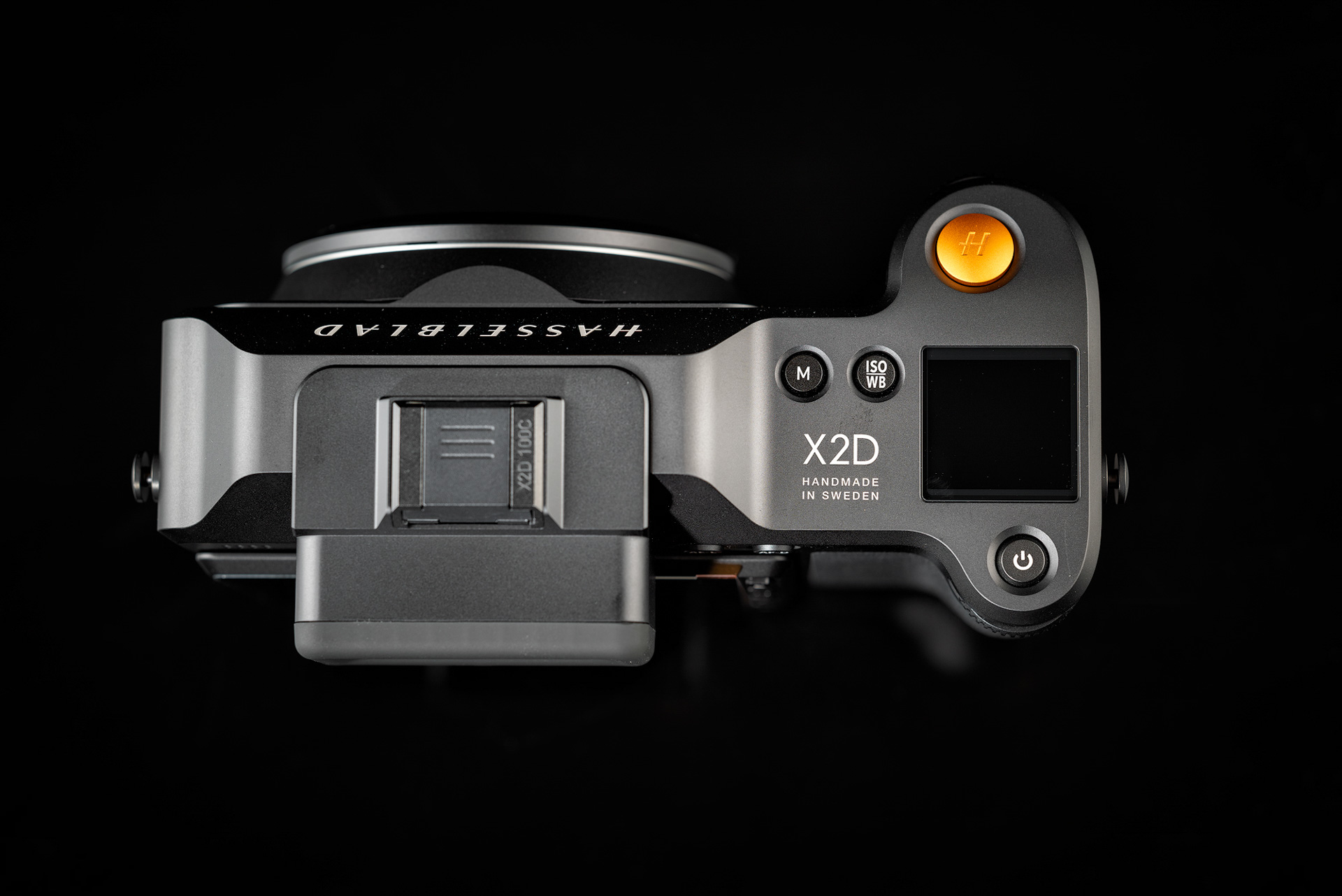
The X2D's size and looks differ little from its predecessor — a big reason people buy it. Viewed from above, the old physical dial has become a top screen; switching between P, S, A, and M modes now requires the electronic menu. A light press of the power button shows battery level — a clever feature.
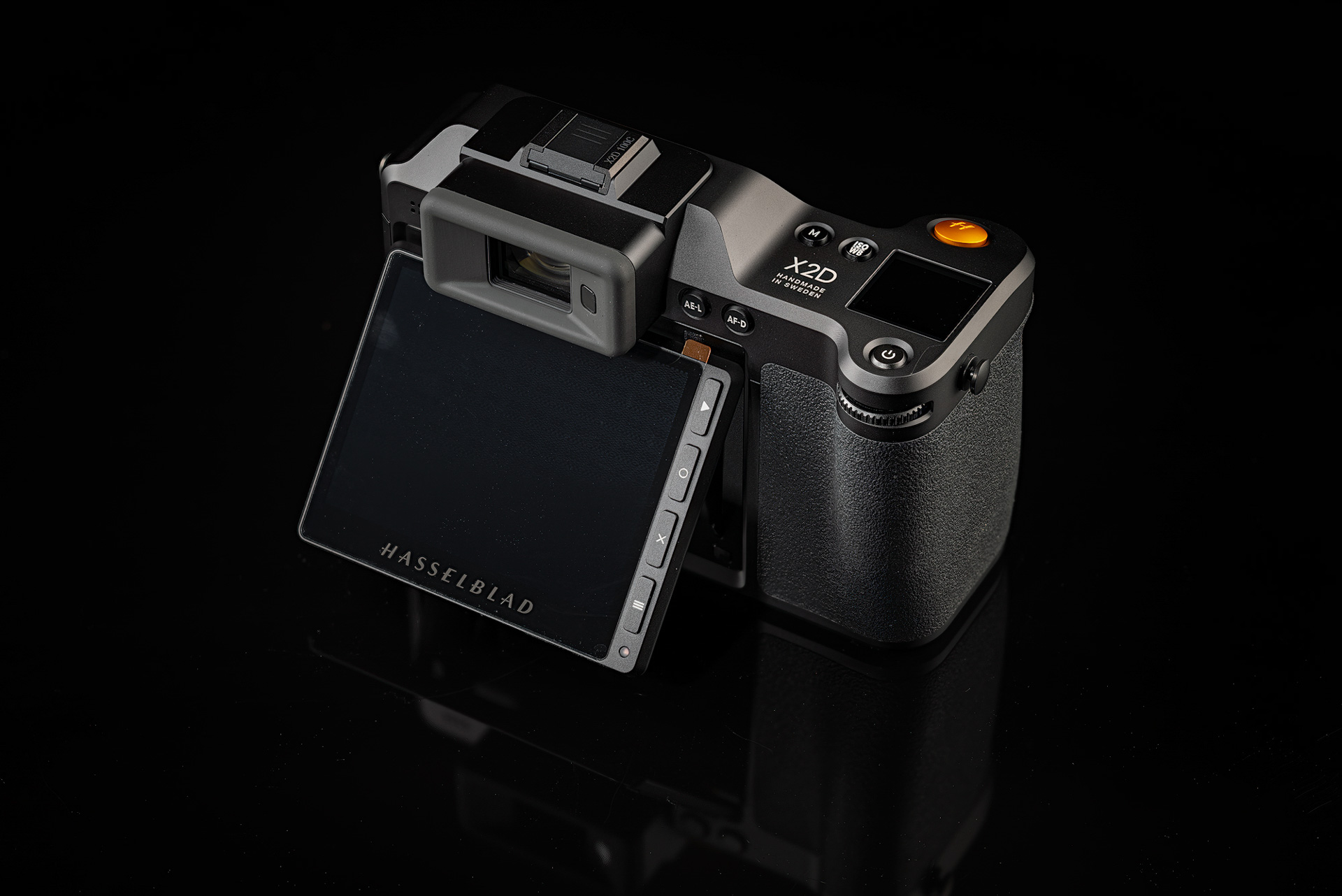
The X2D's touch rear screen finally tilts — still 3.6 inches, 2.36-million-dot — flipping up 40 and 70 degrees. It's genuinely helpful in real use, making low-angle composition easier to view; it's just that the supporting implementation is half-baked, making the benefit marginal.
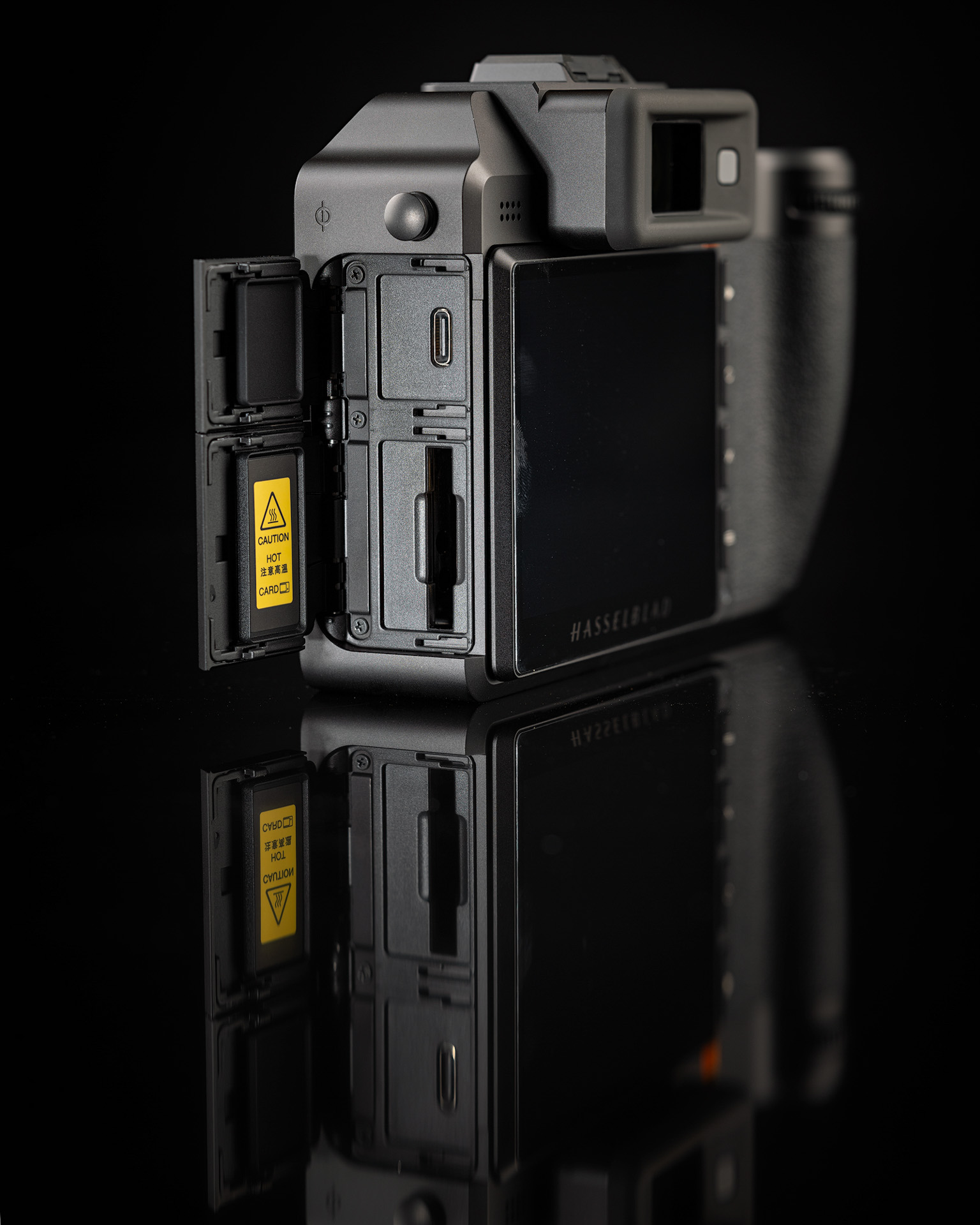
Storage is one of the X2D's major upgrades. A built-in 1TB SSD plus a CFexpress Type B slot — officially rated up to 512GB cards, though overseas users report 1TB and 2TB cards work fine. With the built-in 1TB SSD, write speed will never hold back your shooting — the X2D only manages 3.3 fps in 14-bit RAW and has no video function anyway. The only concern is the USB-C port's lifespan under frequent read/write use.
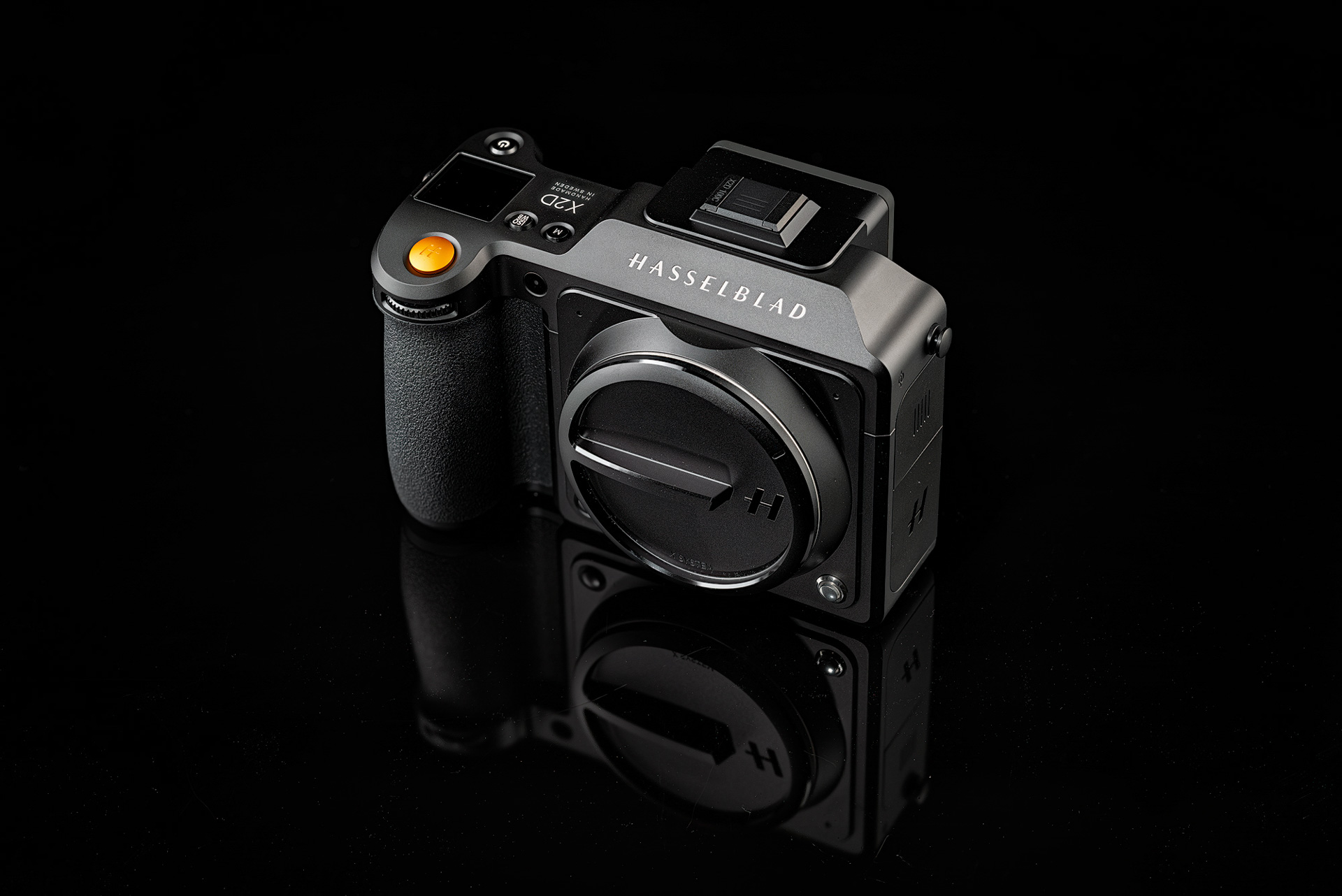
Let's do a quick summary of the X2D-100c's key hardware specs — everything listed below is a strength:
- BSI CMOS, 100 megapixels (11656 × 8742 pixels)
- RAW supports 16-bit color, dynamic range reaches 15 stops
- IBIS: 5-axis, 7-stop stabilization
- ISO range 64–25600
- Built-in 1TB SSD, supports CFexpress Type B cards
- EVF: OLED, 5.76-million-dot
- Rear screen: 3.6-inch, 2.36-million-dot, touch and tilting
- 3.3fps continuous shooting at 14-bit color depth
- XCD lenses' leaf shutter: 68 min to 1/4000s
- Electronic shutter: 68 min to 1/6000s
- Autofocus: Contrast Detection AF plus 294 Phase Detection Autofocus (PDAF) zones
- Body weighs only 895g
Beyond the list above, the X2D's power management is vastly better than the previous generation. A full day of shooting used to take three to four batteries; this generation uses just one and a half — and like a phone, you can top up anytime with a power bank.
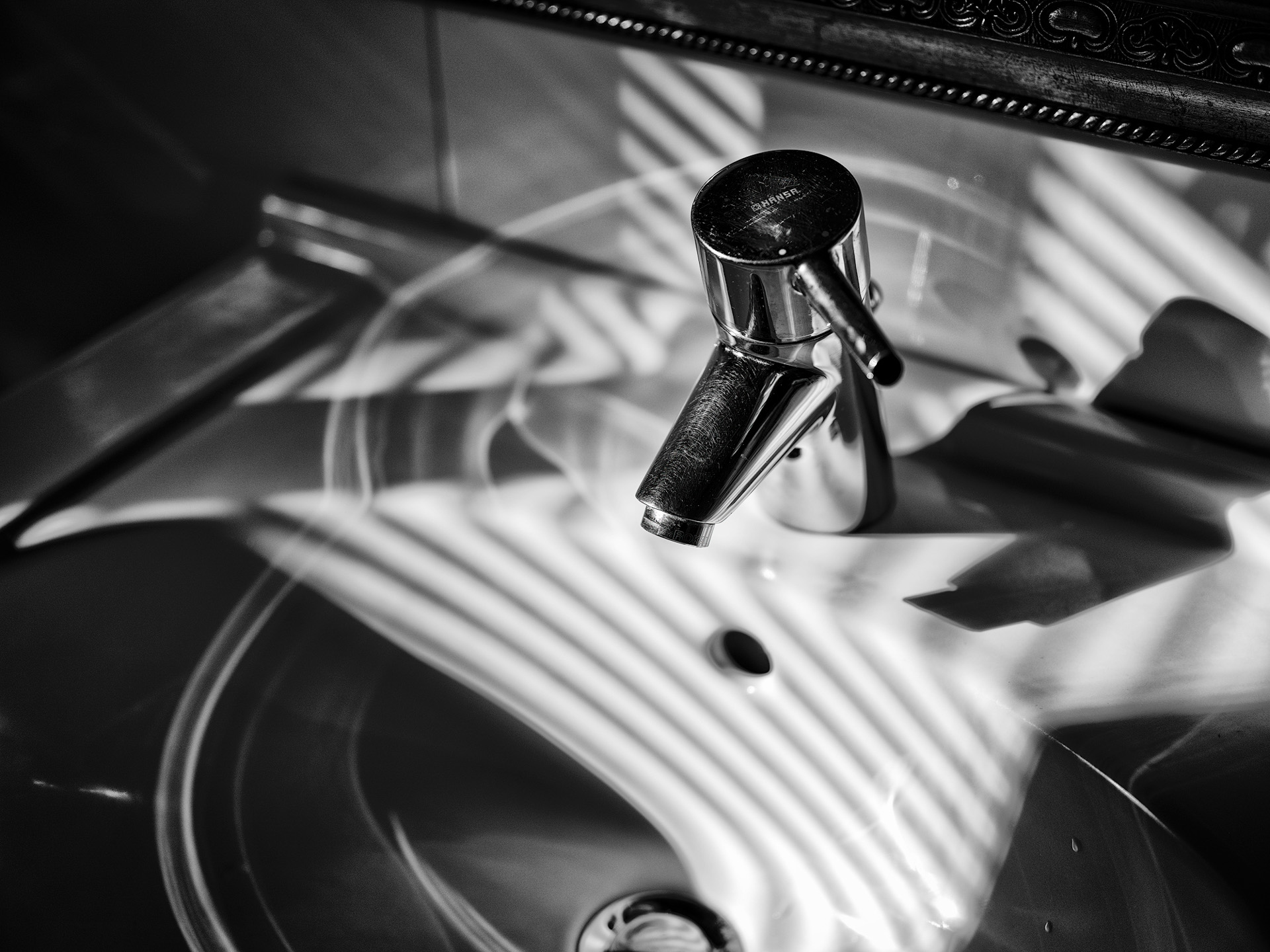
OK, now let's talk about this 100-megapixel camera's flaws — and make no mistake, there are plenty. But if you were already an X1D user, you'll understand. Let me go through them one by one... First, I consider the missing joystick the biggest flaw! I've been complaining since the X1D, and three generations later it's still the same. In many shooting situations you can't use touch — your hands may be wet or gloved, making touch unresponsive — and you can't achieve iPhone-level touch anyway. Using the front/rear dials to select focus points is a joke. Second, no dust or drip resistance! Yes — a medium format camera marketed as light and portable for landscape shooting in the mountains and at sea has no weather sealing. What is Hasselblad thinking? Don't even dream of ultrasonic sensor cleaning... Third, did the strap lugs really need to revert to the old spec? The old lugs were already criticized for scratching the body, and now they've gone backward — with hardly any good strap makers left producing them. Fourth, the EVF lacks a sufficiently large eyecup — troublesome for glasses wearers, unable to fully block strong light, and your nose easily touches the touchscreen.
.
Those are hardware issues — unfixable. Next come software issues, which firmware updates could still fix. First, not all physical dial functions were migrated — you can select P, S, A, or M but can't directly select Profile 1 or 2, which the previous two generations could. Confusing — even Leica's profile selection is more convenient than the X2D's. Second, when will M mode get auto ISO? Isn't that a basic feature? How has it been missing for three generations? This is critical! Third, the long-exposure countdown: say I expose for 45s — the screen shows 45 → 44 → 43, then goes completely dark until the last three seconds, when 3 → 2 → 1 reappears. What kind of design is that? If I'm not watching closely, I can't tell whether the exposure finished or I missed the countdown. And there's no long-exposure noise reduction option. Fourth, with the electronic shutter there's no audible indicator when the exposure completes, and the electronic shutter still causes obvious rolling shutter when not on a tripod. Fifth, half-pressing the shutter doesn't lock exposure — you must press AE-L separately. Sixth, startup time is still too long — losing at least to the rival GFX100s. Seventh, the blackout after shooting through the EVF is too long — like the previous-generation Leica M — though thankfully there's no shutter lag so far. Eighth, too few metering modes, no live histogram for reference — nailing exposure requires a huge amount of photographer experience. Ninth, no color space selection for files, no RAW histogram in preview for reference — only the same JPEG-based histogram as other brands. I suspect this feature will never appear. Tenth, the menu lost the previous two generations' ability to customize frequently used items on the first page.
Honestly, all of the above makes you wonder whether Hasselblad's engineering team was replaced wholesale, or just had their minds elsewhere during the pandemic.
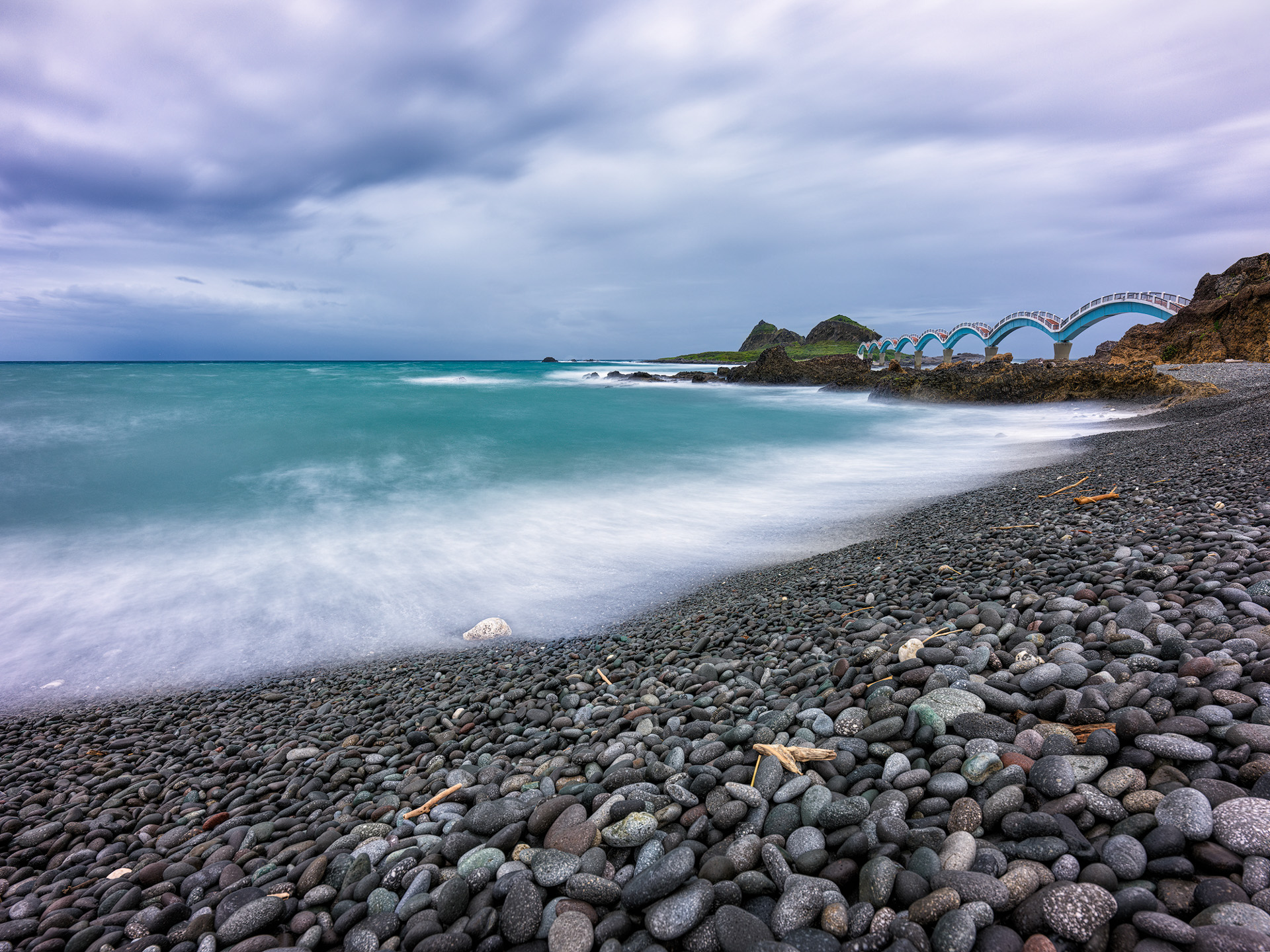
Metering
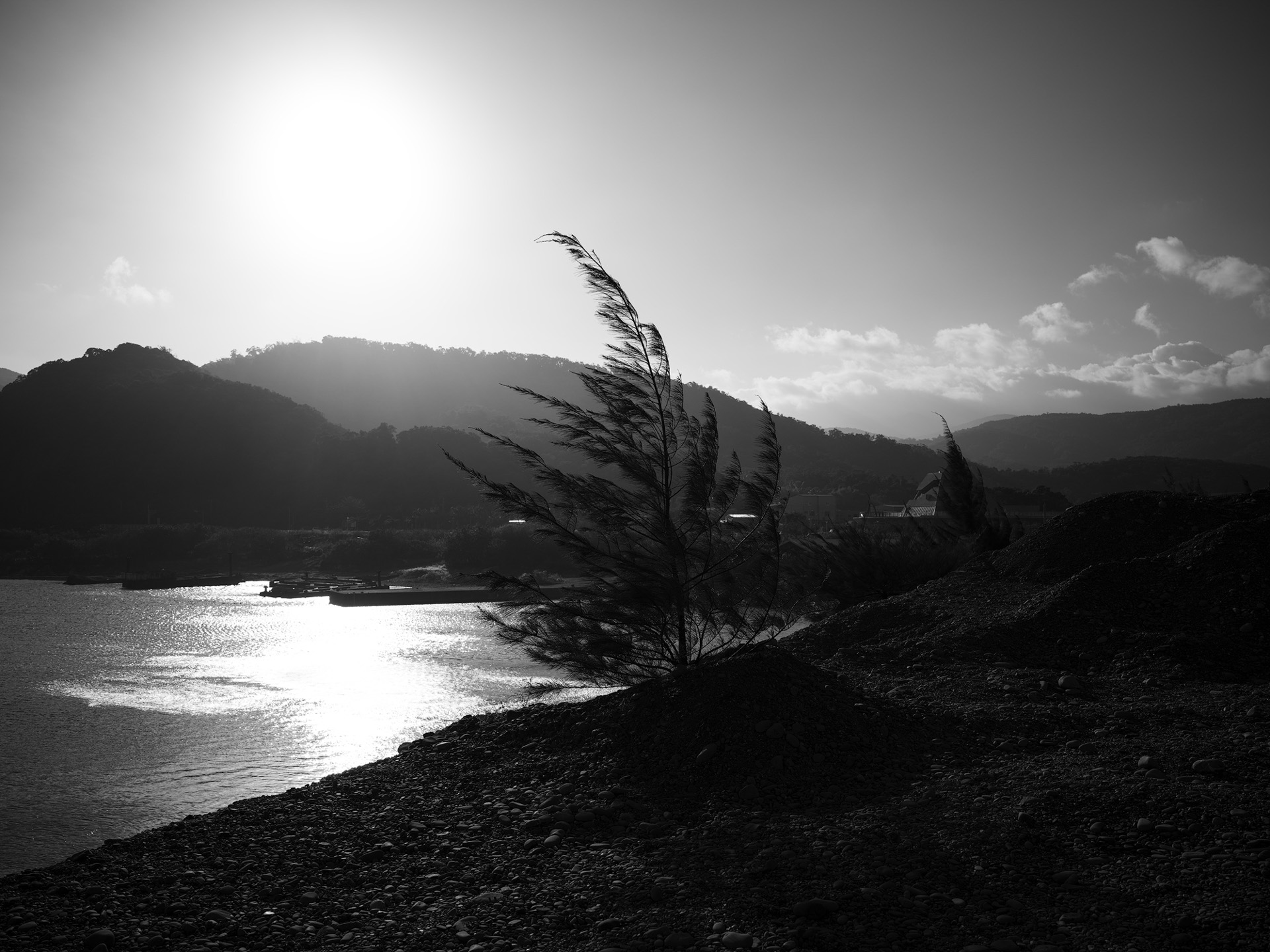
Having listed so many flaws, plenty of people still shoot with the Hasselblad X1D and X2D — otherwise, even with DJI's backing, the company couldn't have survived this long. I won't enumerate medium format's benefits here; this article is a test and review of the X2D-100c, not a comparison of formats or brands. The photo above was taken at Sanxiantai, Taitung, before a typhoon arrived — terrible weather, strong wind and waves, perfect for long exposures. Tripod plus 10-stop ND, IBIS on, 2s shutter delay, 23s exposure, with EV +1.5 (explained below). The result: clean rendering, strong dimensionality. Despite no long-exposure noise reduction, no hot pixels appeared — none should appear within a minute, basically.
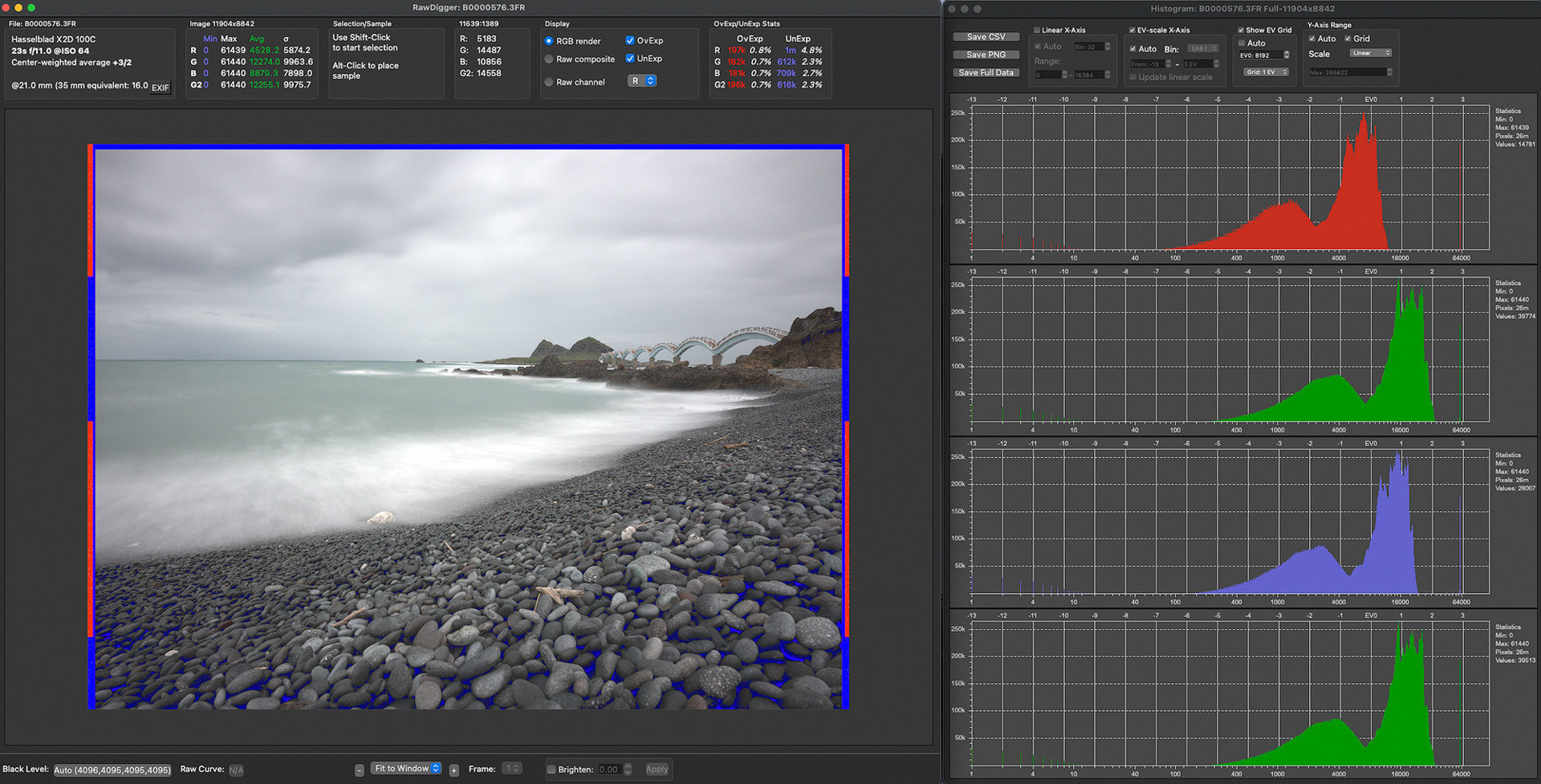
The image below analyzes this long exposure's original RAW file with RAWdigger. The camera has no "full-area average metering" option, so in overcast or diffused-light conditions — or when using ND filters — metering goes seriously wrong. You need to dial in at least +1EV when shooting. Below I'll analyze various scenes so you know what to expect. This is crucial, because metering is one of the X2D's trickiest aspects.
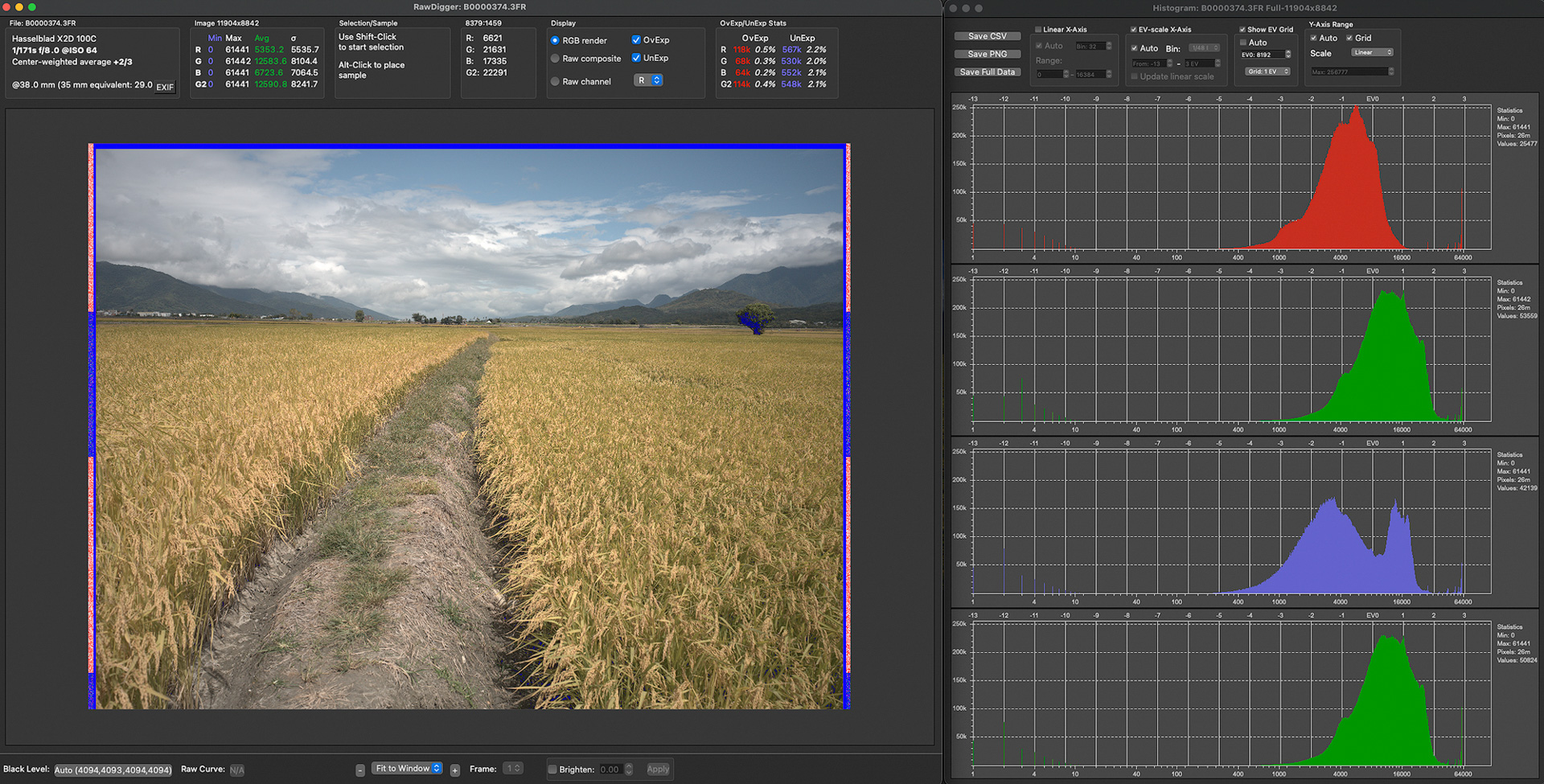
Let's look at another scene — bright sunshine, yet center-weighted metering still gets it wrong. RAWdigger shows +0.67 EV is the correct exposure: no blown clouds, and the ground scene has almost no crushed shadows. In the scene below, I metered at the center — three-quarters of the frame is rice paddies, less than a quarter is sky. I expected the metering to blow out the sky; you'd think it would be sensitive to highlights and protect them, but the error is this large anyway. I can't fathom what the camera is thinking — I can only say that, with little contrast, this scene counts as a "diffused light scene" for the camera.
So in overcast scenes, adding +1 to +1.33 EV is routine. For a camera whose strength is landscape photography, the absence of full-area average metering is baffling. Is there any way to know if your exposure is correct before pressing the shutter? Sorry — no! Hasselblad never implemented a live histogram in live view. Even Leica, notorious for "poor" software tuning, has it on the Leica SL2, which also auto-locks exposure when focus locks. If any camera company tunes software worse than Leica, it's Hasselblad. Of course, experienced shooters adapt quickly — a few shots and you've got the camera figured out. But it also means: if Hasselblad changes the metering formula in the next firmware update, you'll have to adapt all over again. Fun, right?
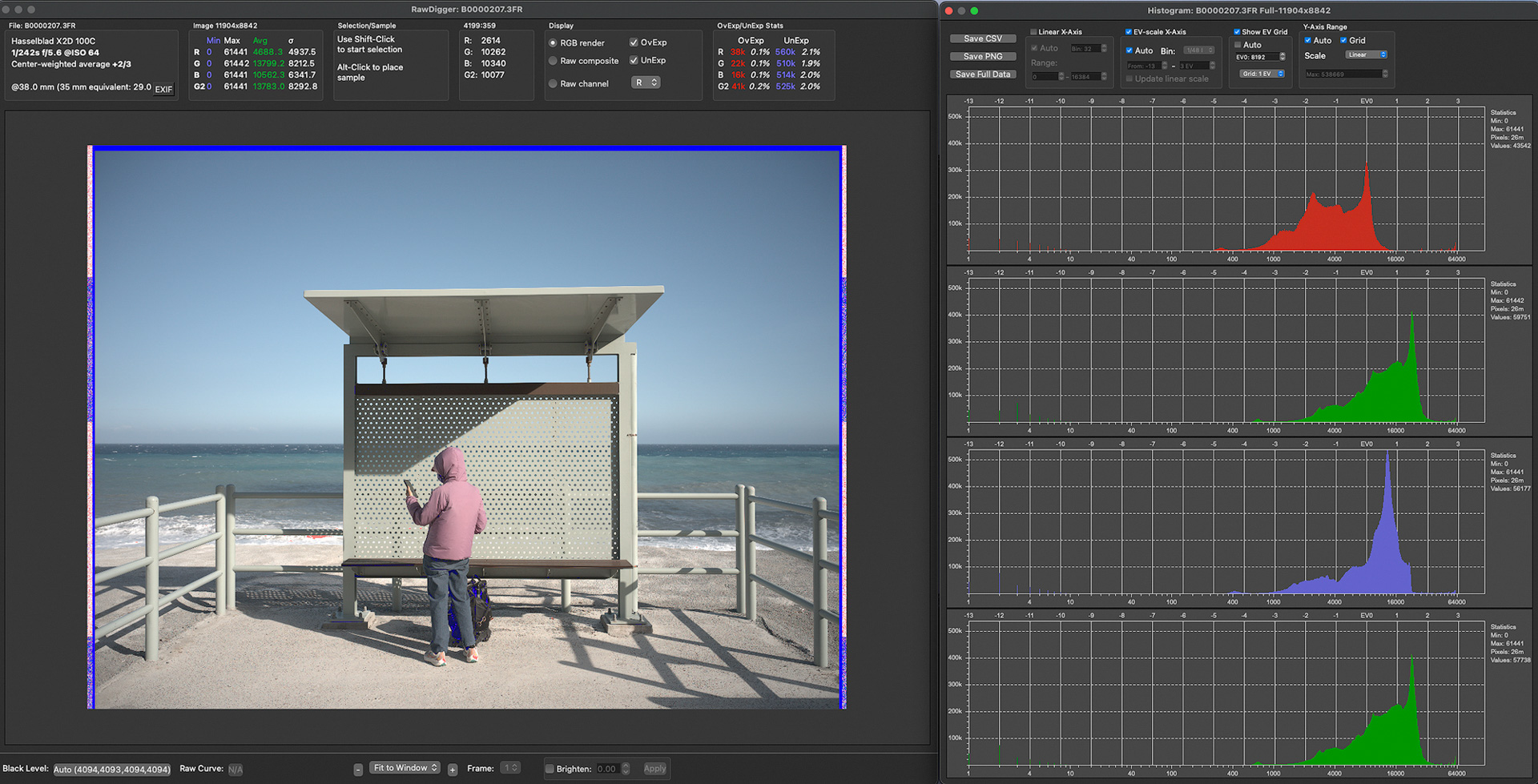
The scene below needing +EV is more surprising. The camera knows the waves behind might blow out — but that's out of focus and not important. The camera is just too sensitive to highlights, so its metering is overly conservative.
In the scene below, if you meter off the wave-dissipating blocks first, the camera thinks the environment is darker. So if you don't use AE-L to meter off the blocks first and shoot straight at this angle, you need +EV. That's the no-full-area-average-metering problem.
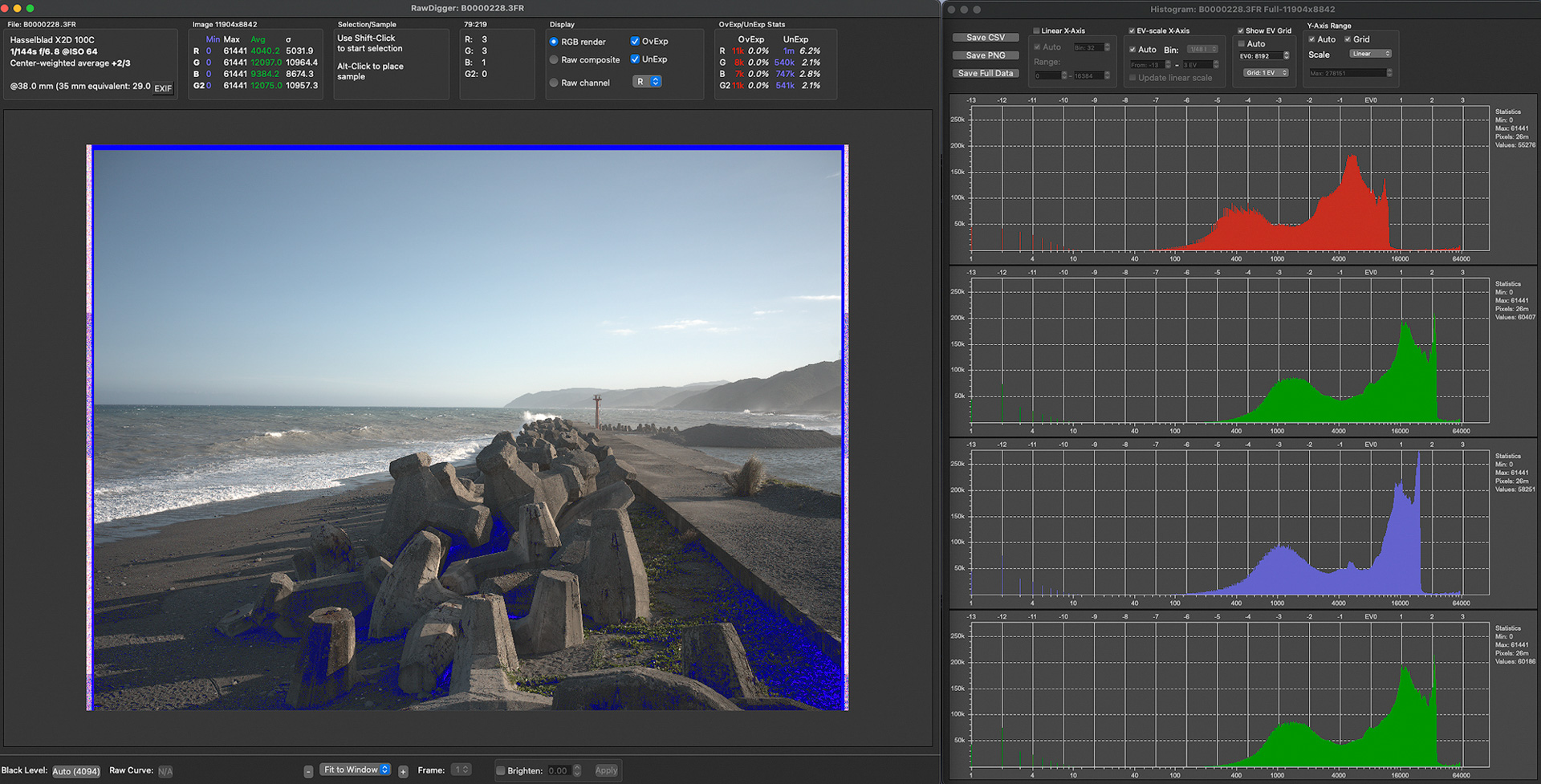
Same story below: center-weighted metering protects the wave highlights too well — but only you know those are out of focus, so you adjust yourself.
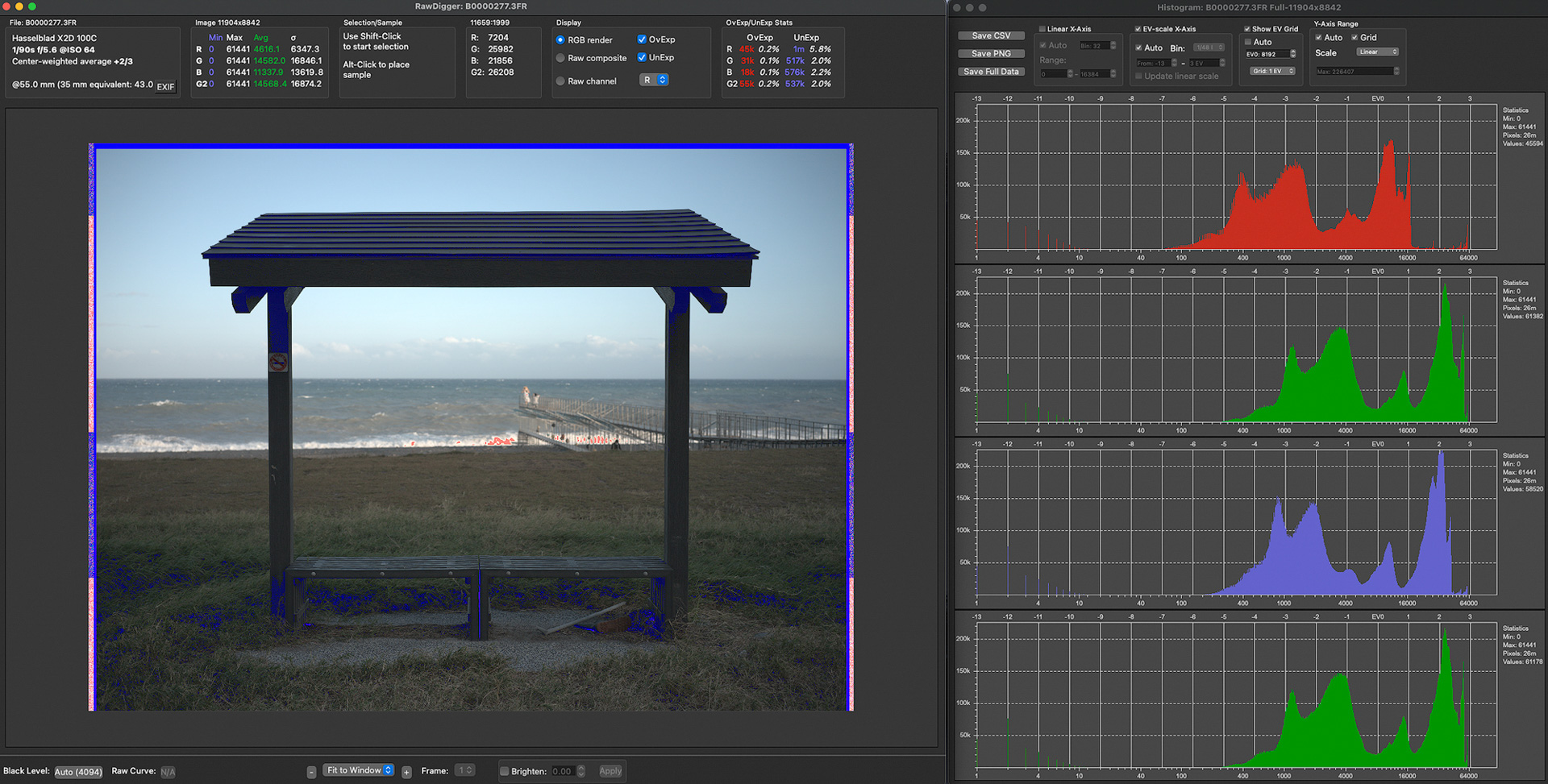
The scene below is heavy overcast — no need to explain, +1EV still looks conservative!
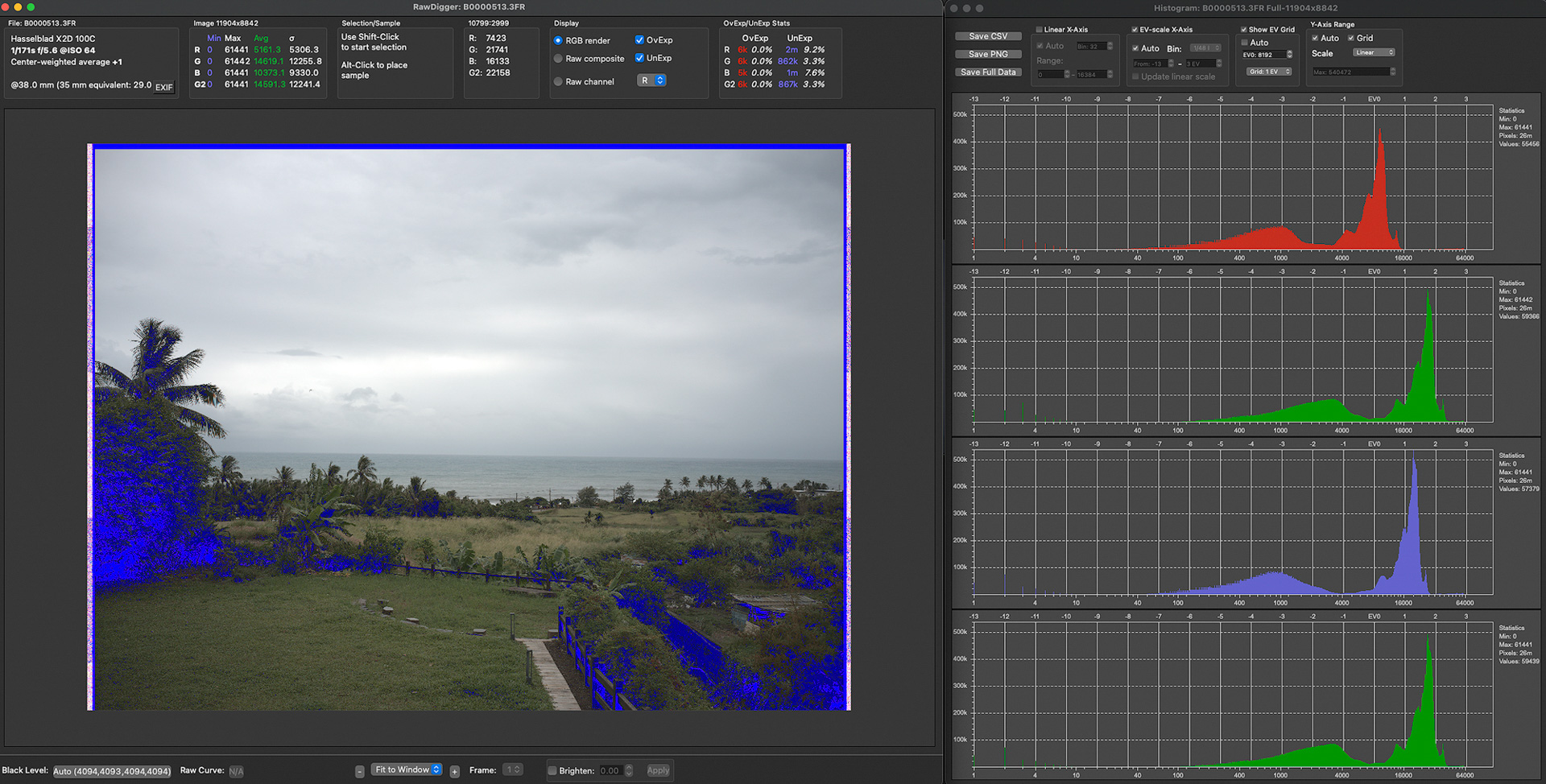
So until you've built up experience, every shot means checking focus and the camera's bare-bones histogram in preview. It's a 2022 camera, but using it feels very old school.
.
High-Resolution Cropping
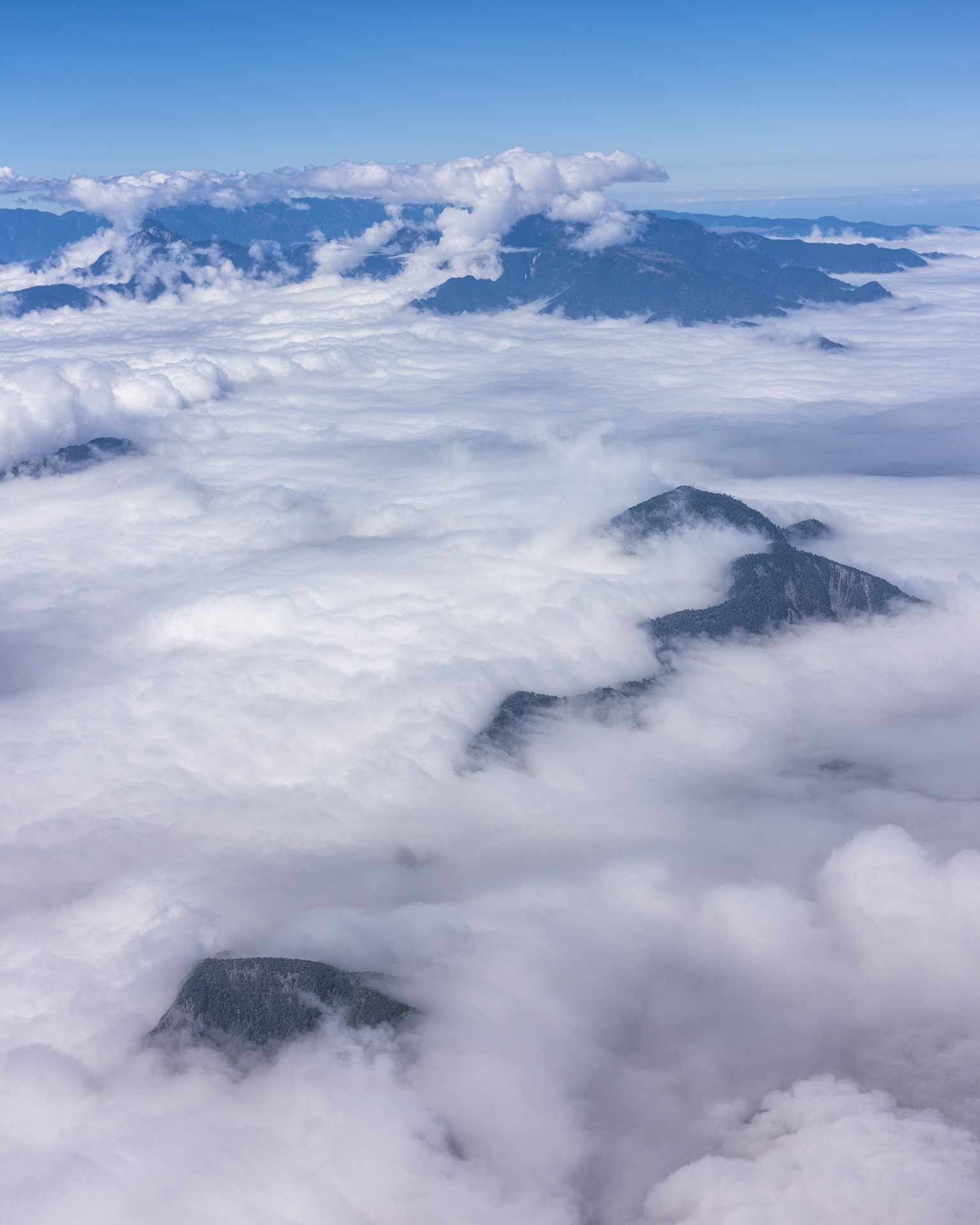
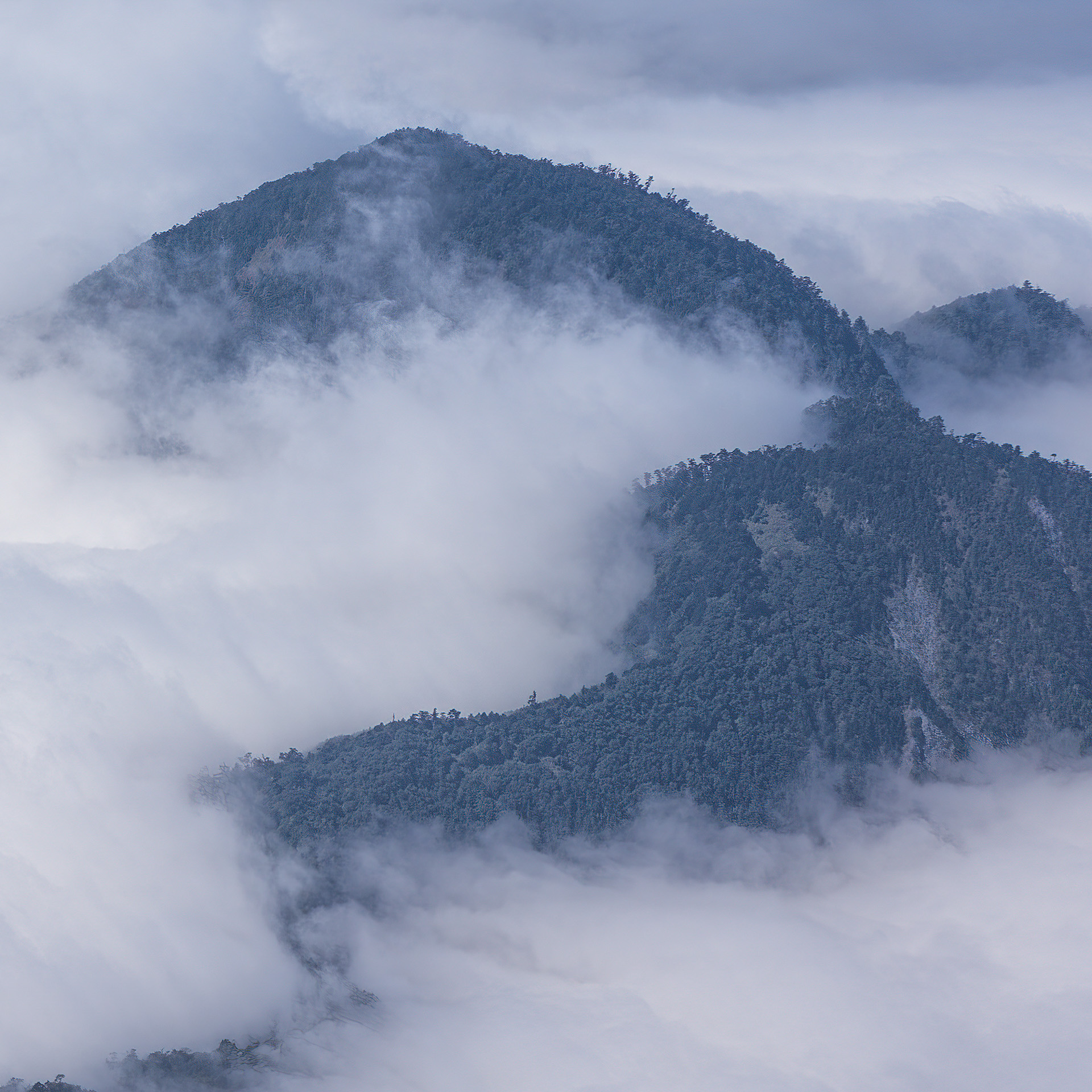
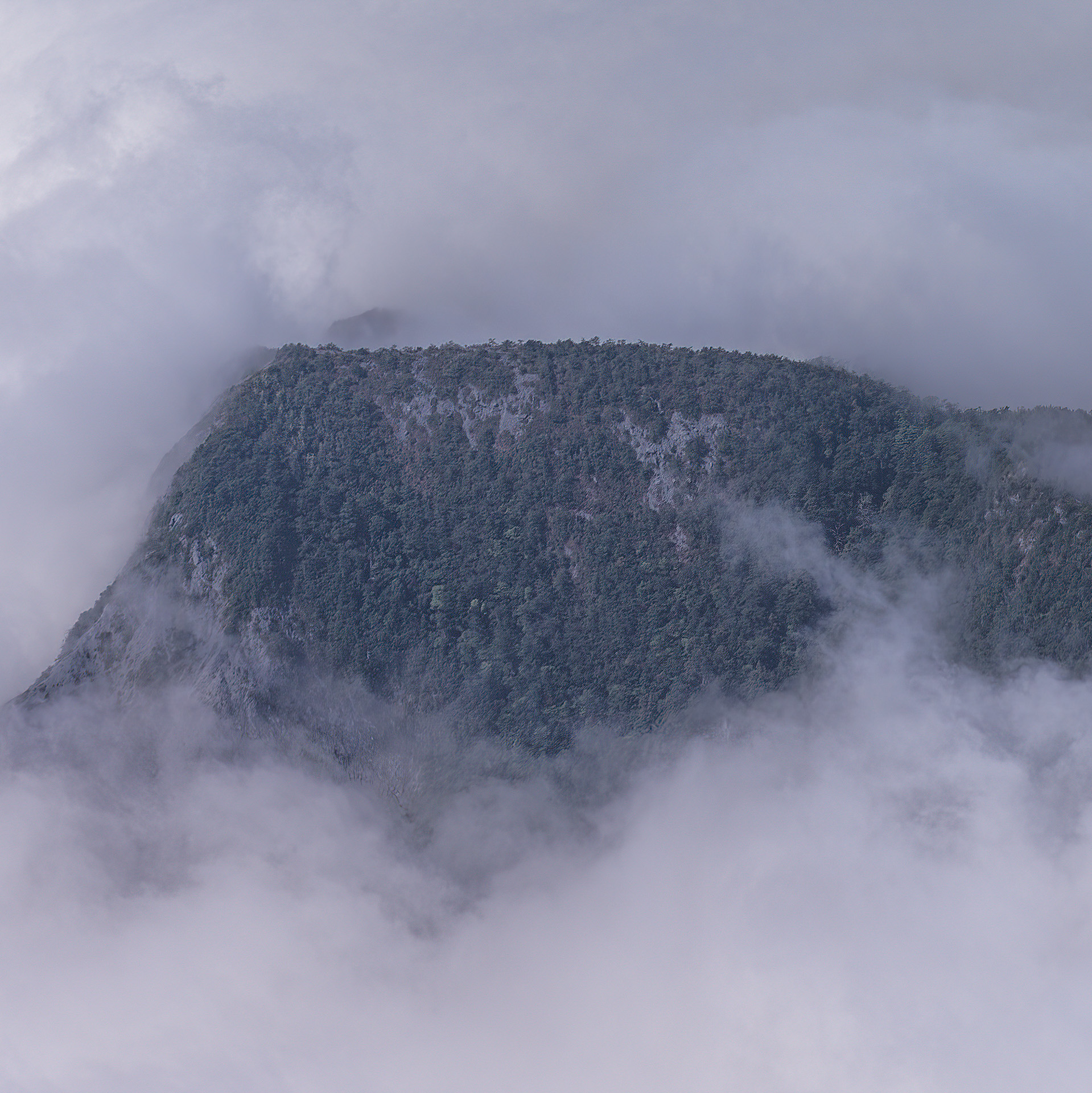
The photo above was taken from the plane flying to Taitung, as a typhoon was forming in the Pacific north of the Philippines — lots of clouds. High-resolution cameras (and even phone ads) love the crop-and-enlarge trick — but careful, that trick depends on the lens's resolving power! Seeing this detail from a 100-megapixel camera is expected. If anyone can capture this detail with a 100-megapixel phone, please let me know.
.
Dynamic range
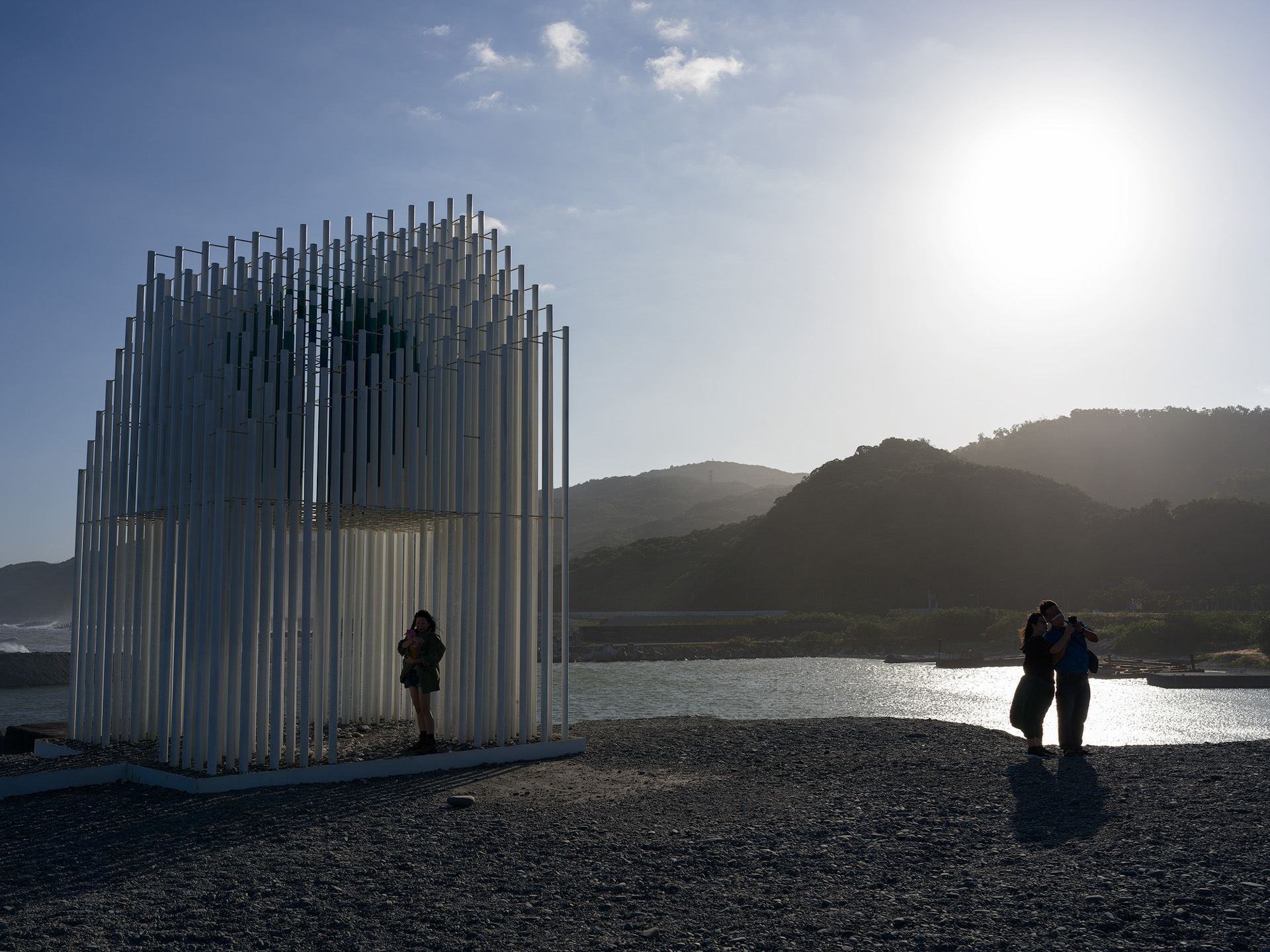
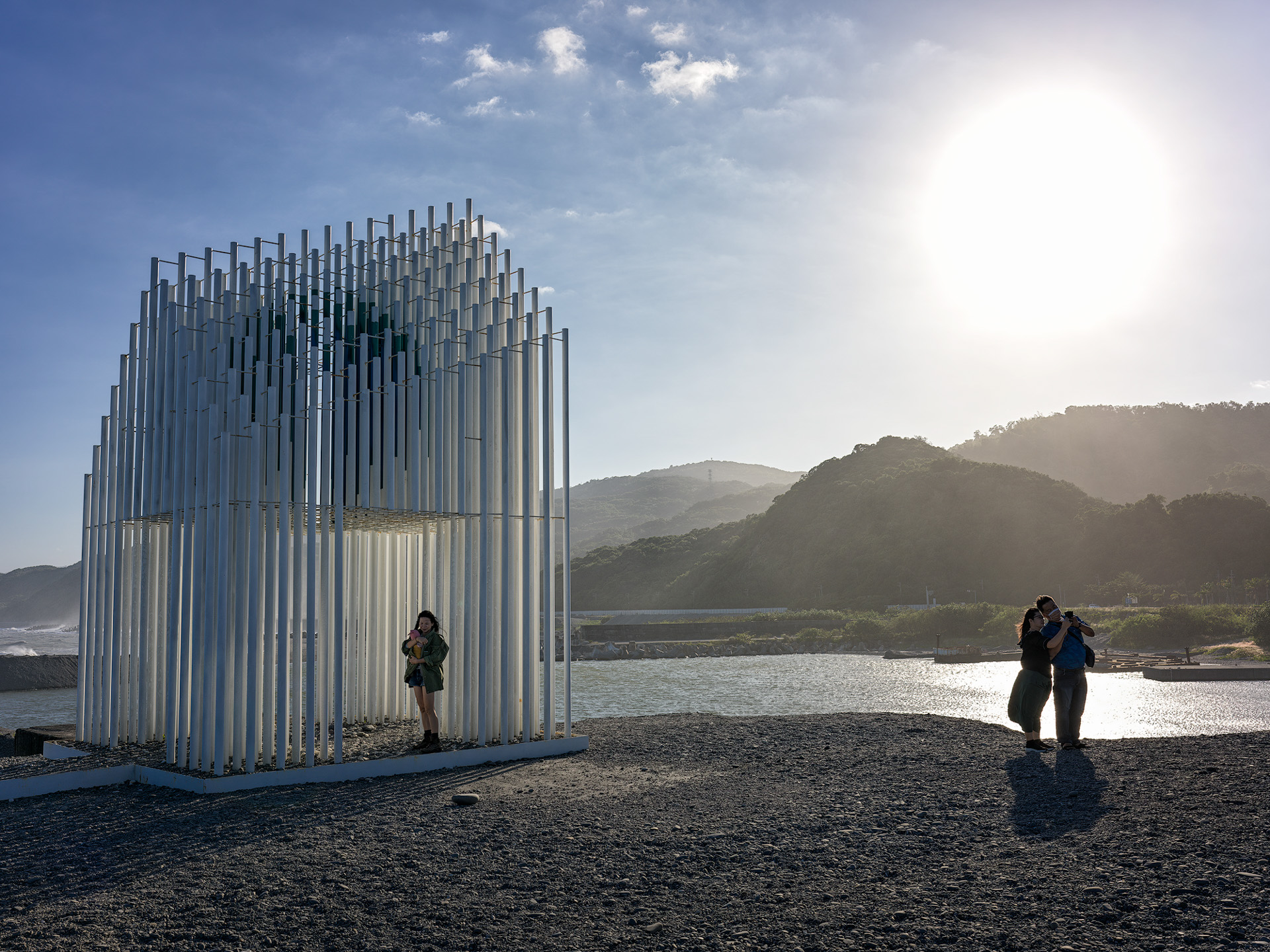


Original image, 100% crop


Original image, 100% crop
A quick test of this CMOS's dynamic range. The photo above was shot into the sun — you can tell from the two people's shadows on the ground. A simple Photoshop adjustment recovers lots of shadow detail, restored to look visually natural, without introducing any noise. I wouldn't push shadows or highlights further — not because the camera can't, but because it would look unnatural. This already meets my needs. Don't forget: under this kind of light, no serious photographer would shoot directly — you'd use a graduated ND, or multiple exposures — unless you're shooting silhouettes.
.
High ISO
Medium format plus 100 megapixels — high ISO performance is obviously a disaster. Everyone's tolerance for high-ISO quality differs, so the images below are for reference only. The first two enlarged sets shot in front of Sogo are screenshots straight from Phocus conversions; I didn't import into ACR, to avoid ACR's default parameters affecting the results. In my view, ISO 3200 is unusable — noise and color blotches are obvious in the shadows, with heavy detail loss. ISO 1600 is the worst I'll accept. Unless your photo is just a thumbnail on Facebook where nobody can tell, I recommend maxing out at ISO 800. Too strict? No — think about it: what's the point of using a medium format camera? What are you enduring all this inconvenience for?
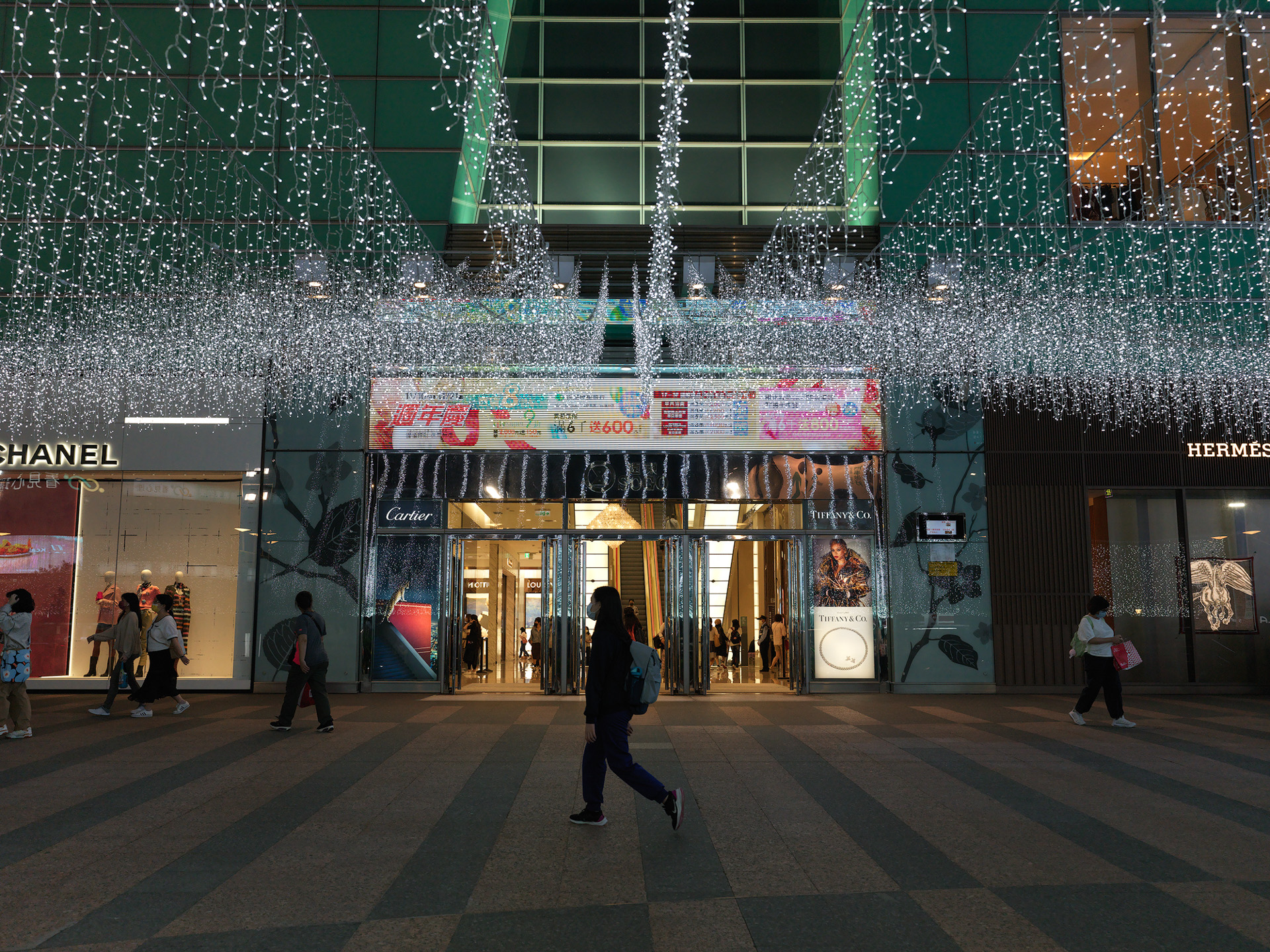

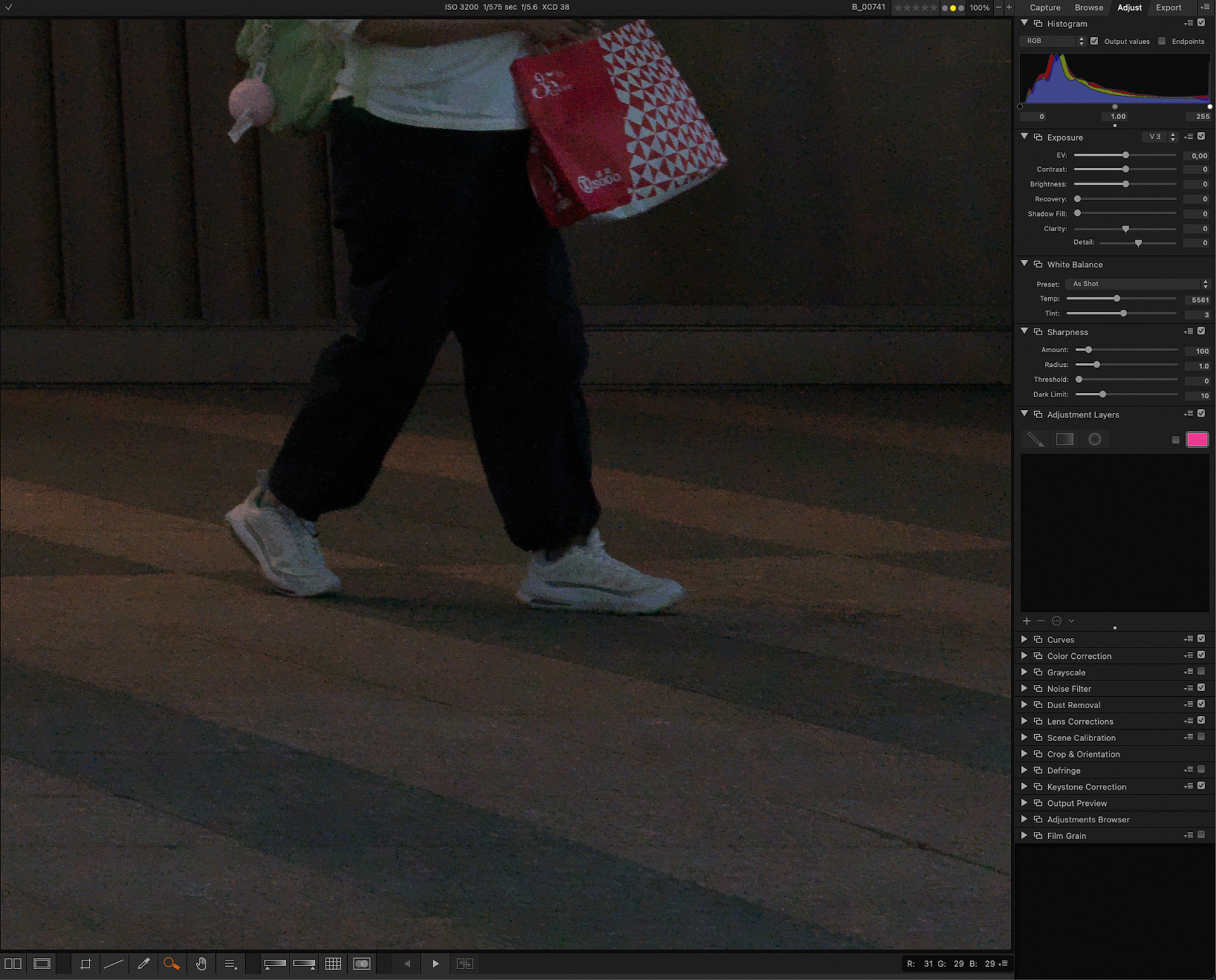
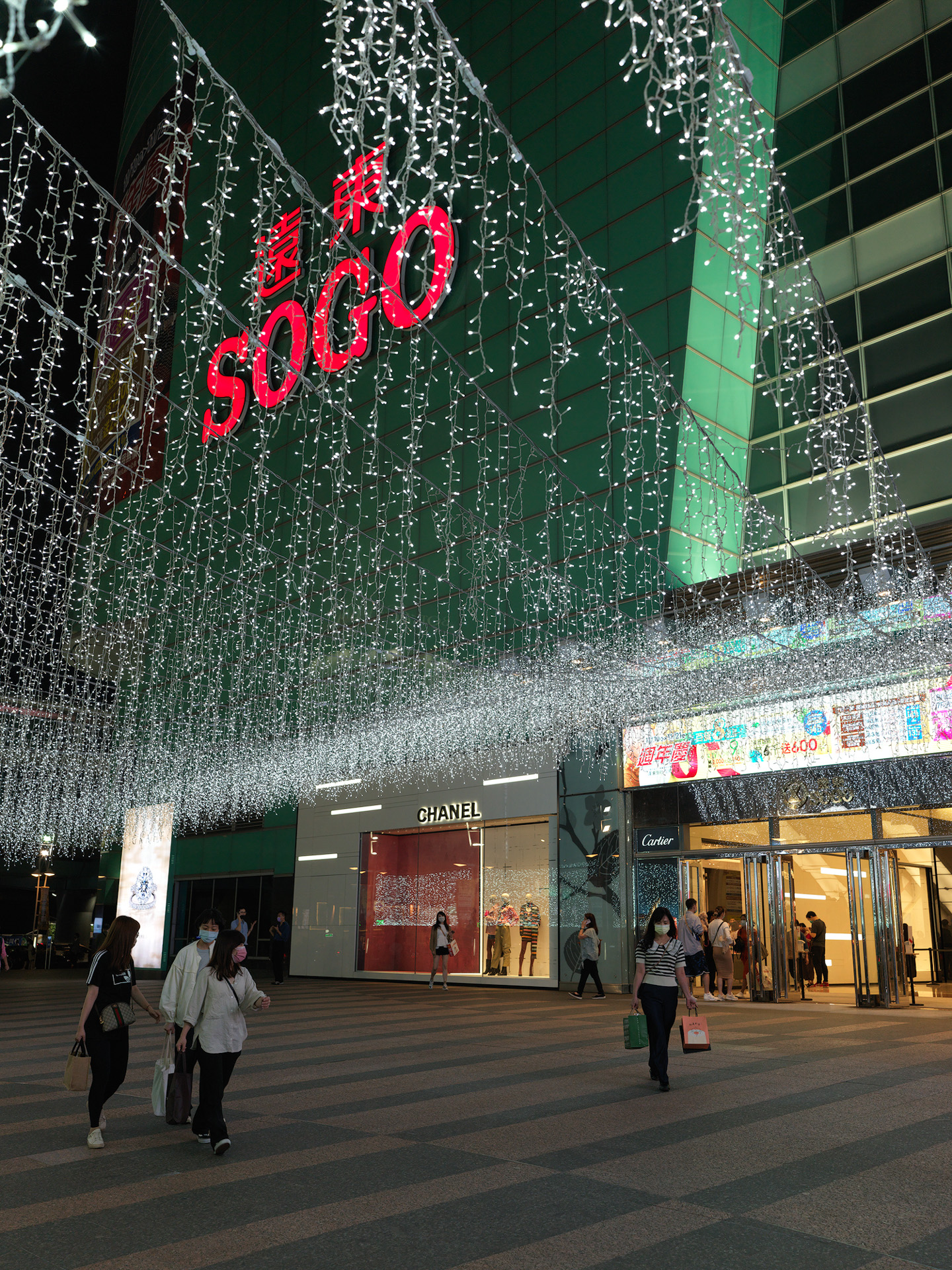
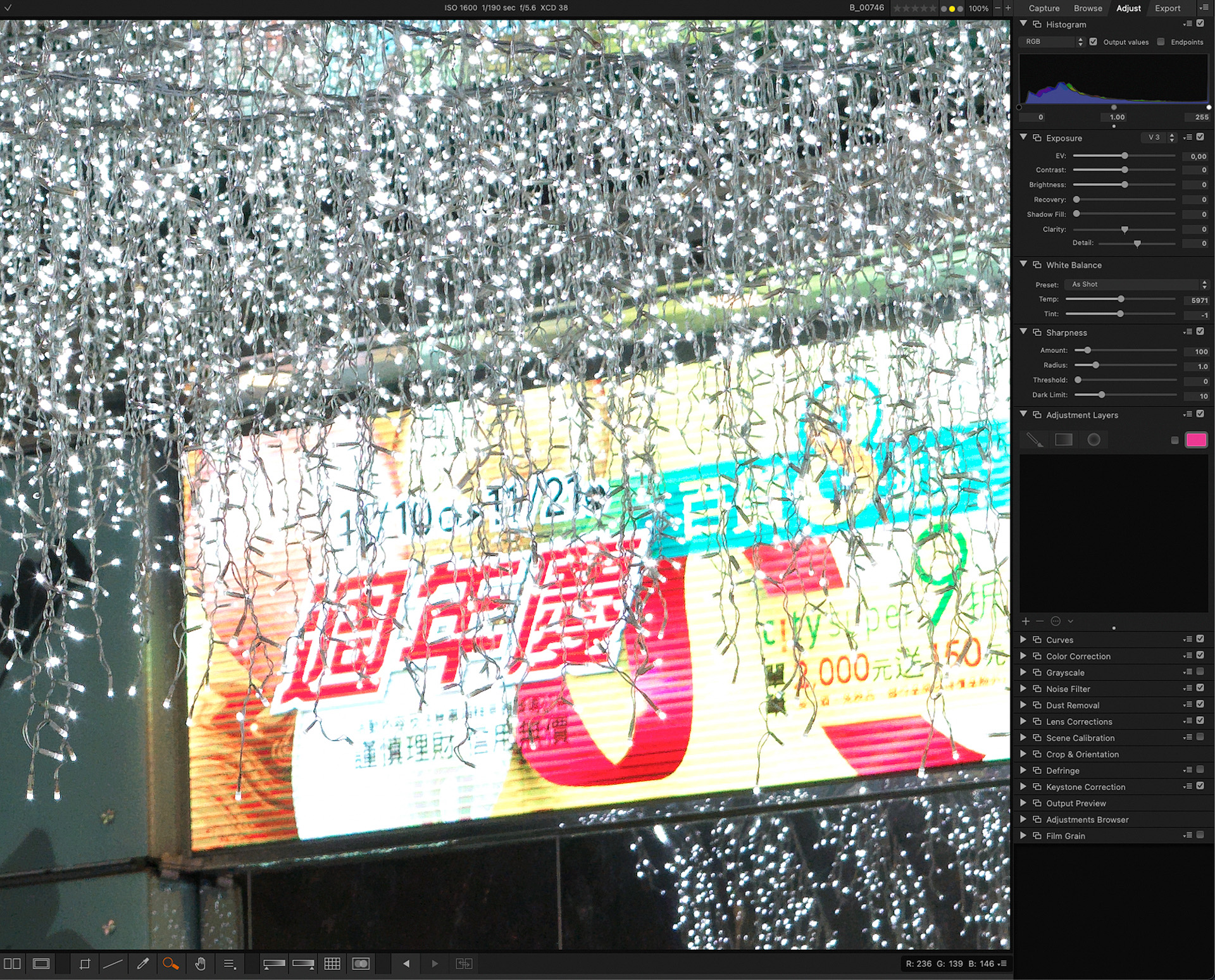
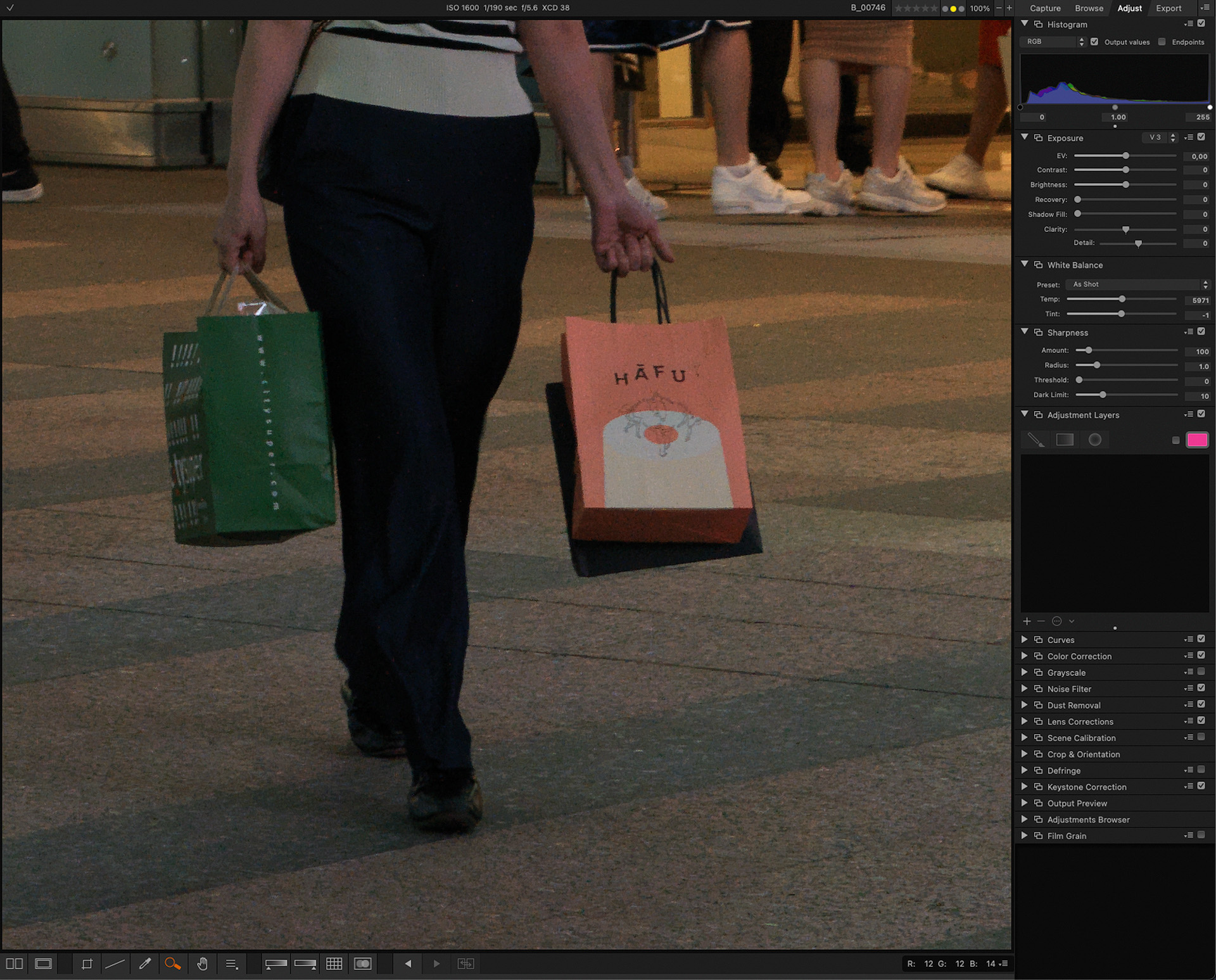
Shooting in restaurants, high ISO is routine. Keeping ISO at 1600 or below, plus some post-processing noise reduction, yields perfectly good results. But for food photography specifically, don't bother bringing the X2D — at the same aperture, the depth of field is just too shallow.



Autofocus Speed and Capability
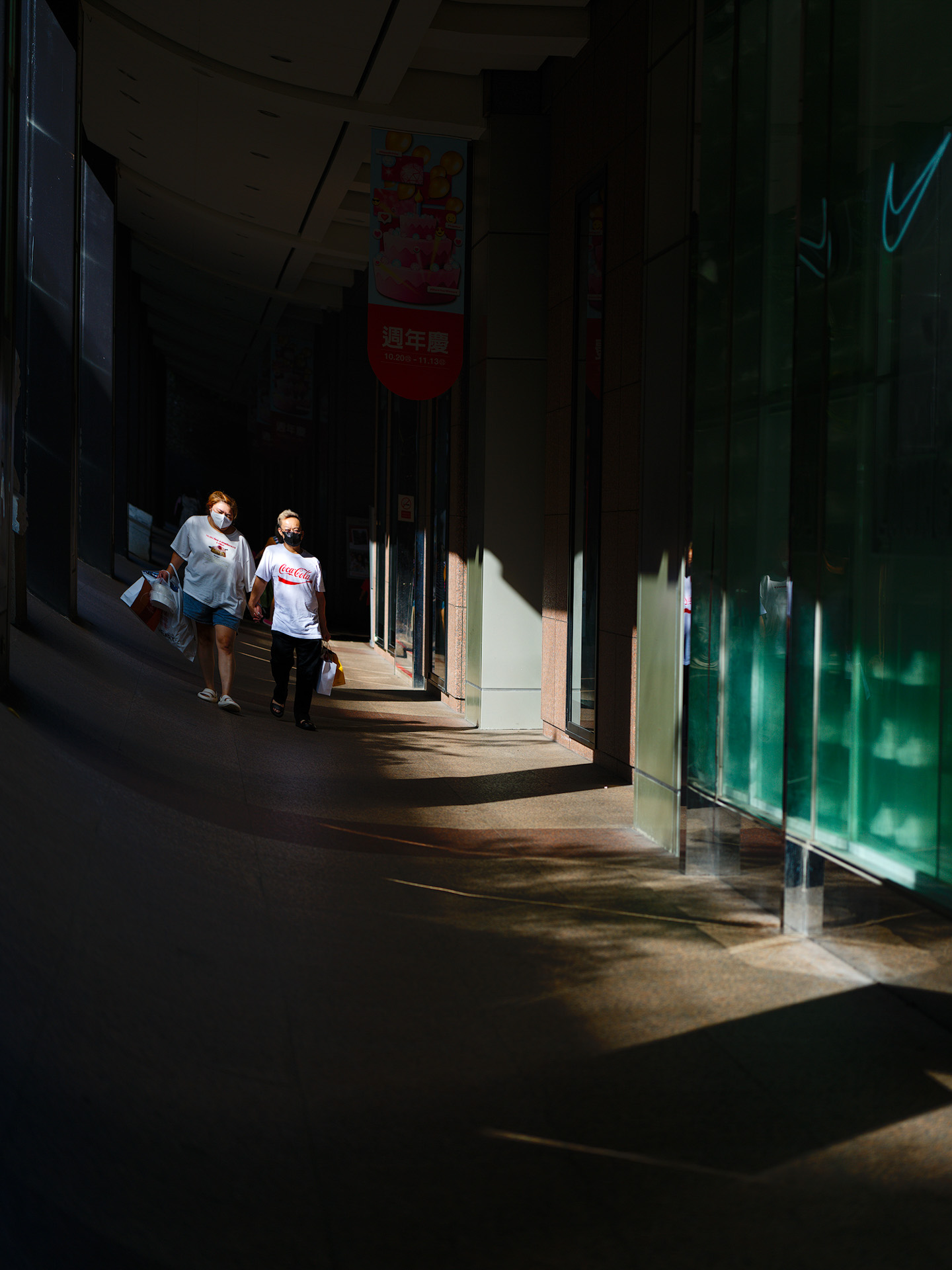
The X2D uses today's most popular dual autofocus system, CDAF + PDAF, hoping to improve on the previous generation's AF speed. True — in real use the X2D's AF speed is noticeably faster, especially with the two new lenses. Mount older lenses, though, and the speed gain is far less obvious, sorry. For medium format, AF accuracy matters far more than speed — shooting landscapes, I often use manual focus anyway! If you want to shoot fidgety kids or animals with the X2D, be prepared for an extremely high failure rate — unless you compensate for the AF speed and lack of continuous AF with distance, wide angle, and depth of field. The photo below used a small wide-angle (equivalent to a 29mm lens on full frame), stopped down to f5.6 — barely in focus.


The photo below used a 43mm full-frame-equivalent lens — with some distance and pre-focusing to the distance, it can still catch a fast-walking pedestrian.
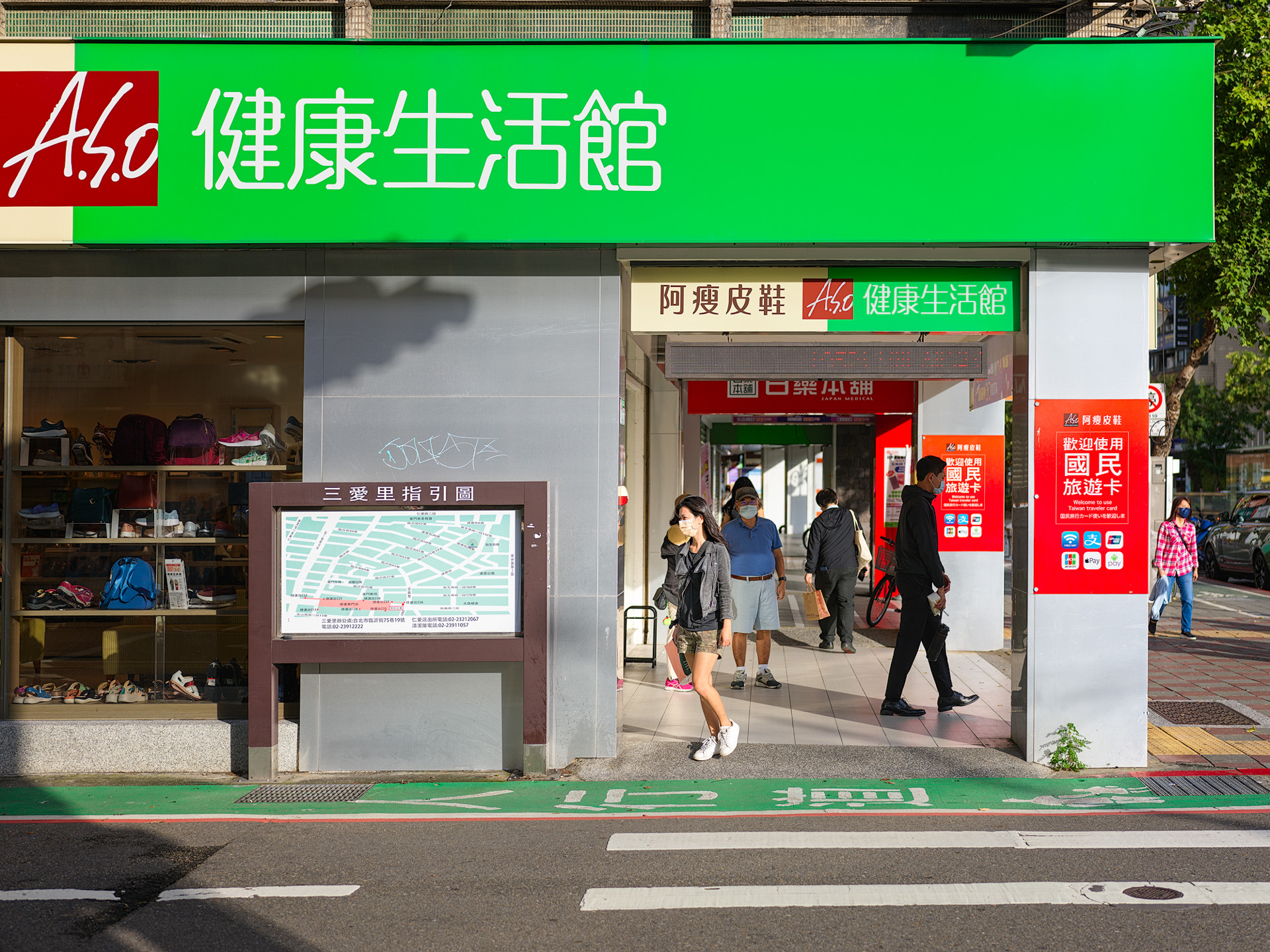
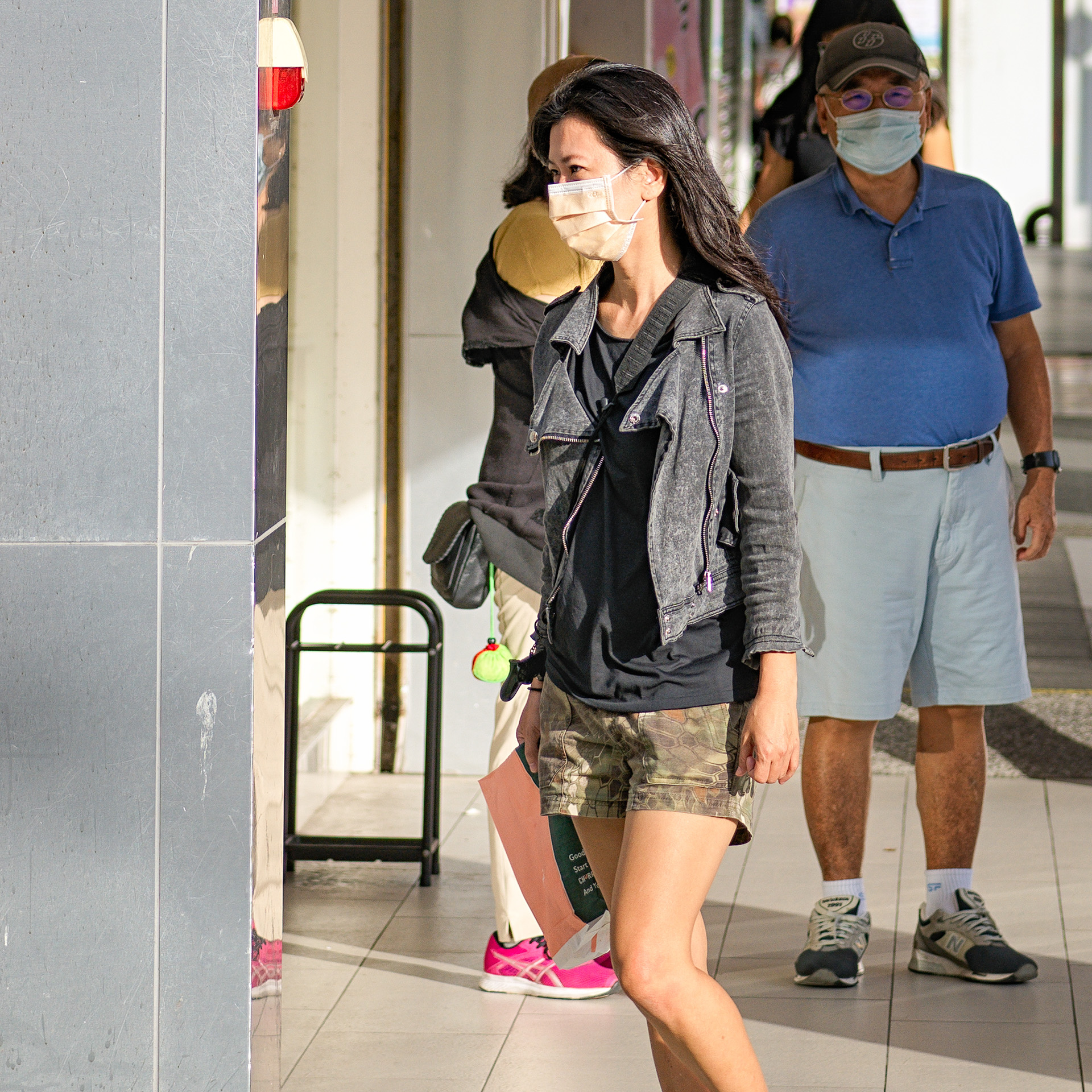
Same XCD 55/2.5V at f2.5 — the subject just a bit closer to me, and it can't keep up! And this was in high contrast, where the camera should theoretically nail focus easily.

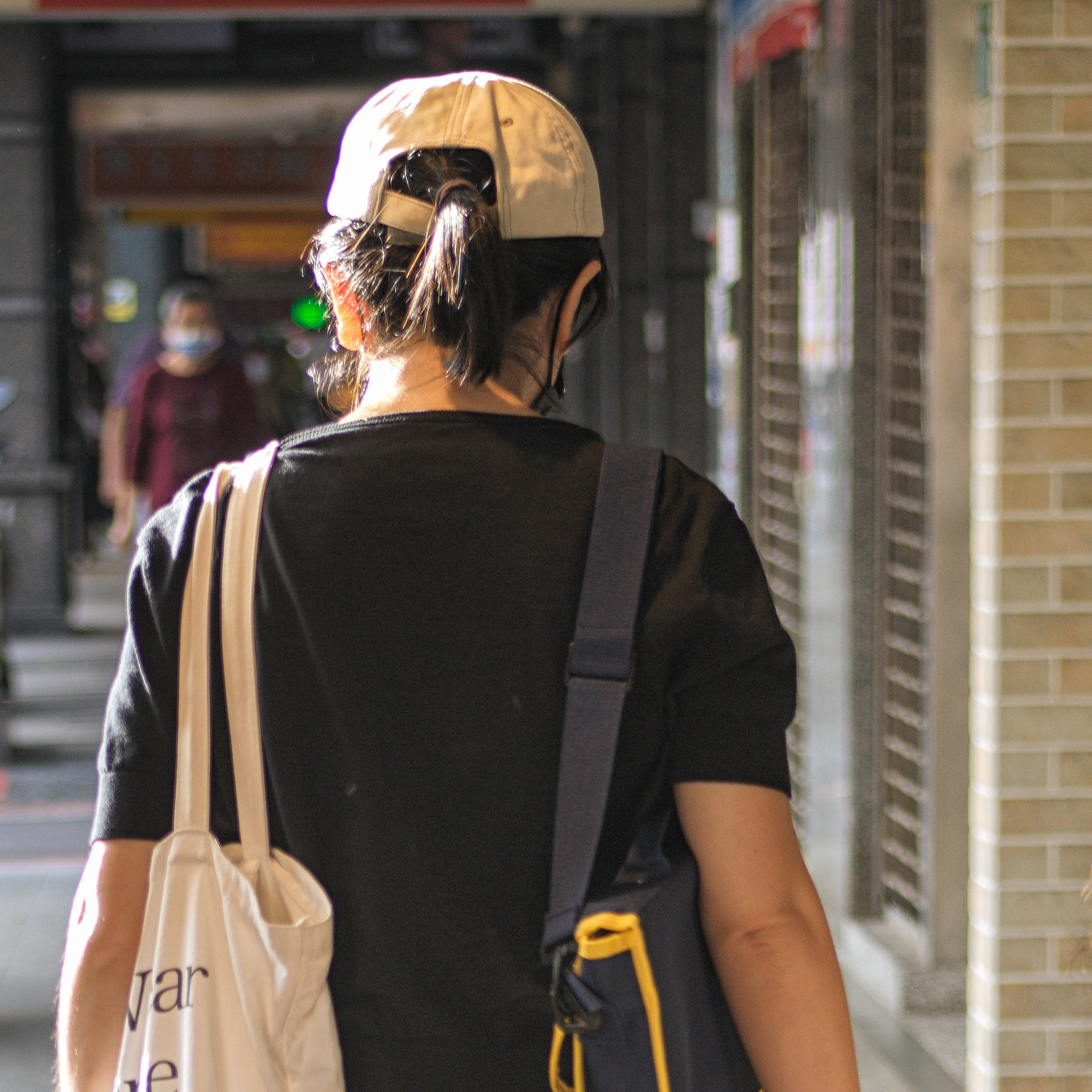
Now let's look at older telephoto lenses... The XCD 90/3.2 basically can't track anything moving fast — pedestrians can't even walk too quickly!
A slow-walking pedestrian, from a bit farther away, is barely manageable — but you must pre-focus.

Bicycles are doable, actually — stand far enough away, pre-focus or trap-focus. But isn't that the same as manual focus?

Tried the electronic shutter... OK... won't use it next time! These are photos from the real world, not a paid advertorial — they show what every user of this camera will encounter, and you'll need to work around it yourself. Don't set your expectations too high for the dual AF system; understand where a medium format camera's limits lie.
PDAF banding
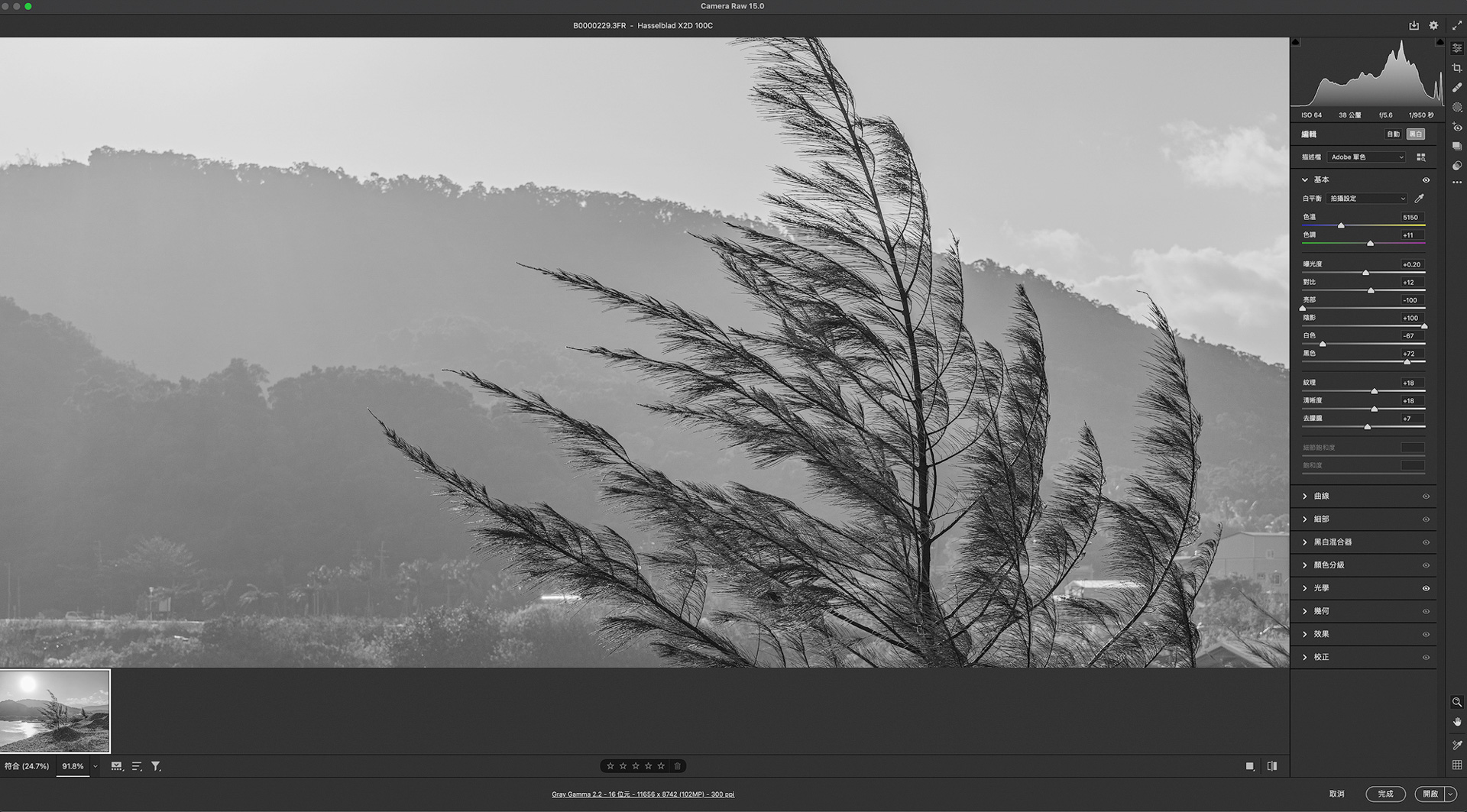
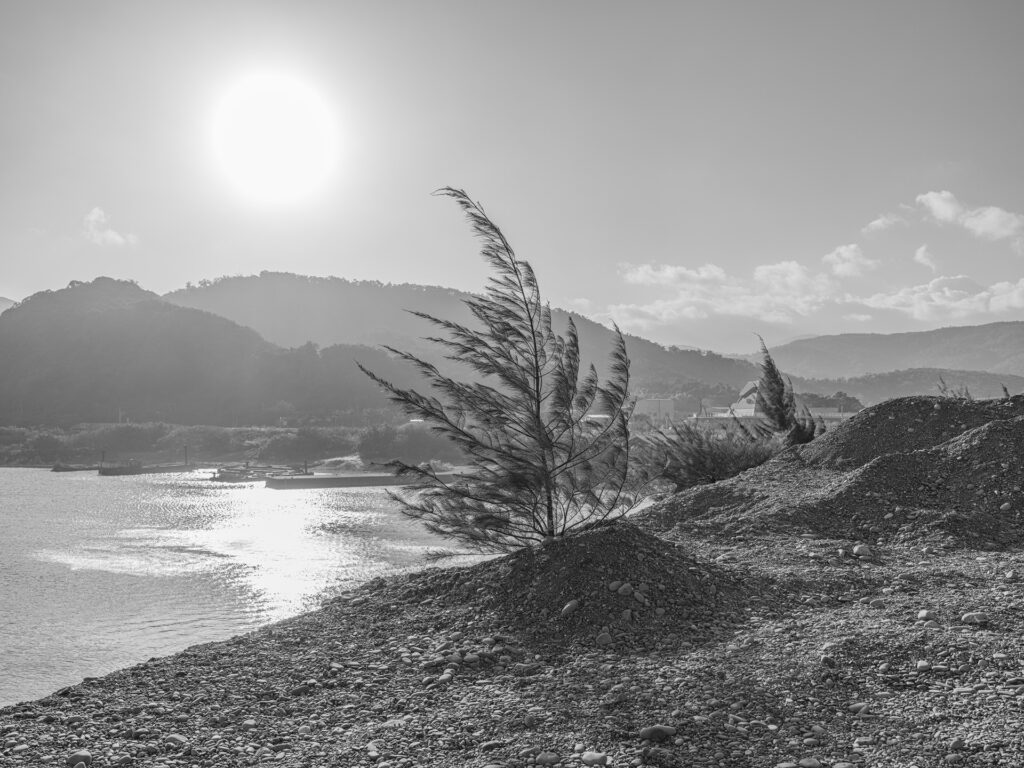
While PDAF significantly improves AF speed and accuracy, it often produces so-called PDAF banding in photos — typically visible in B&W and heavily processed images. The Fujifilm GFX100 even issued a fix for this. Since the X2D's new AF system also uses PDAF, I tested a few shots — and so far, none of them show any PDAF banding.
.
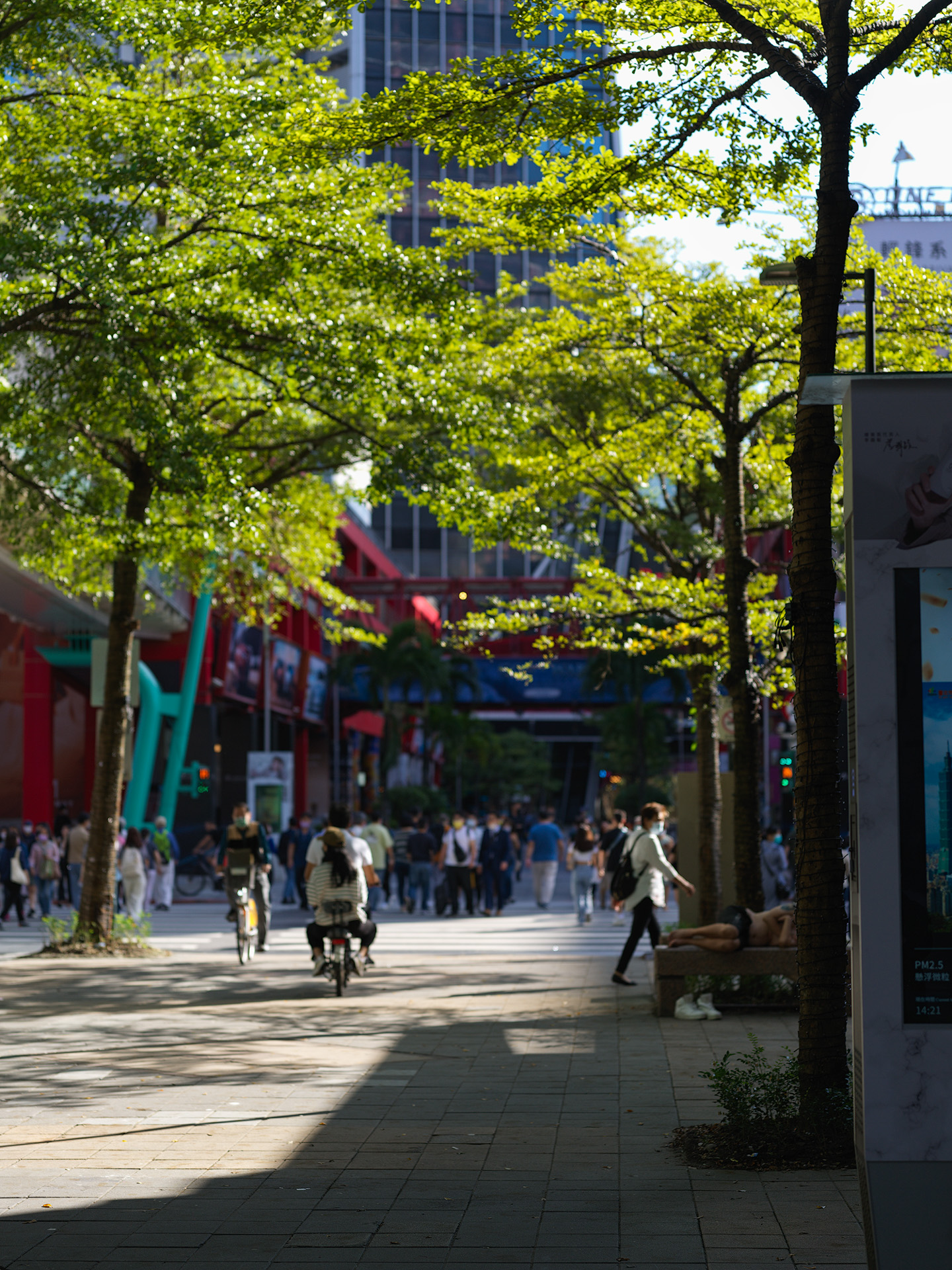
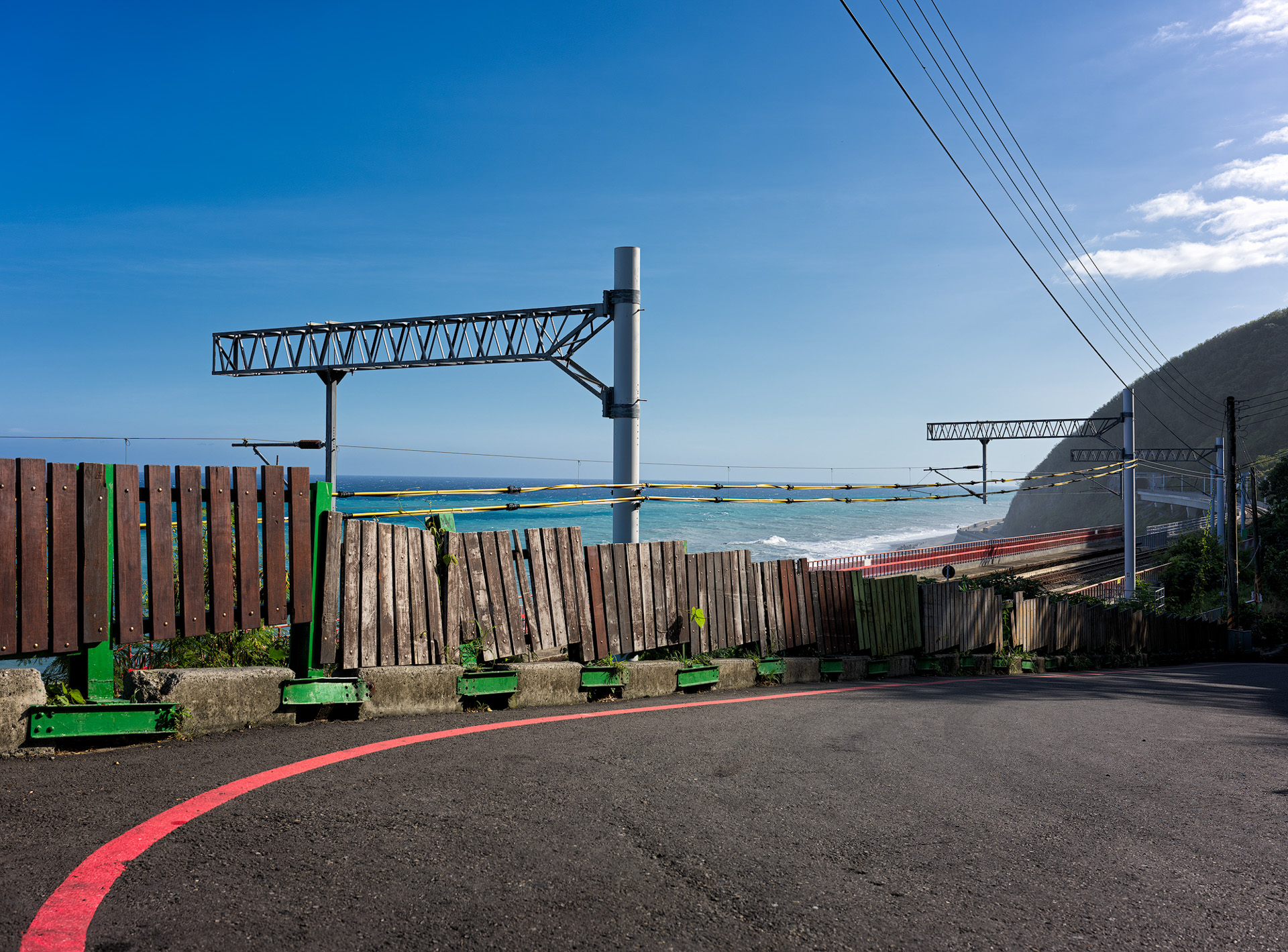
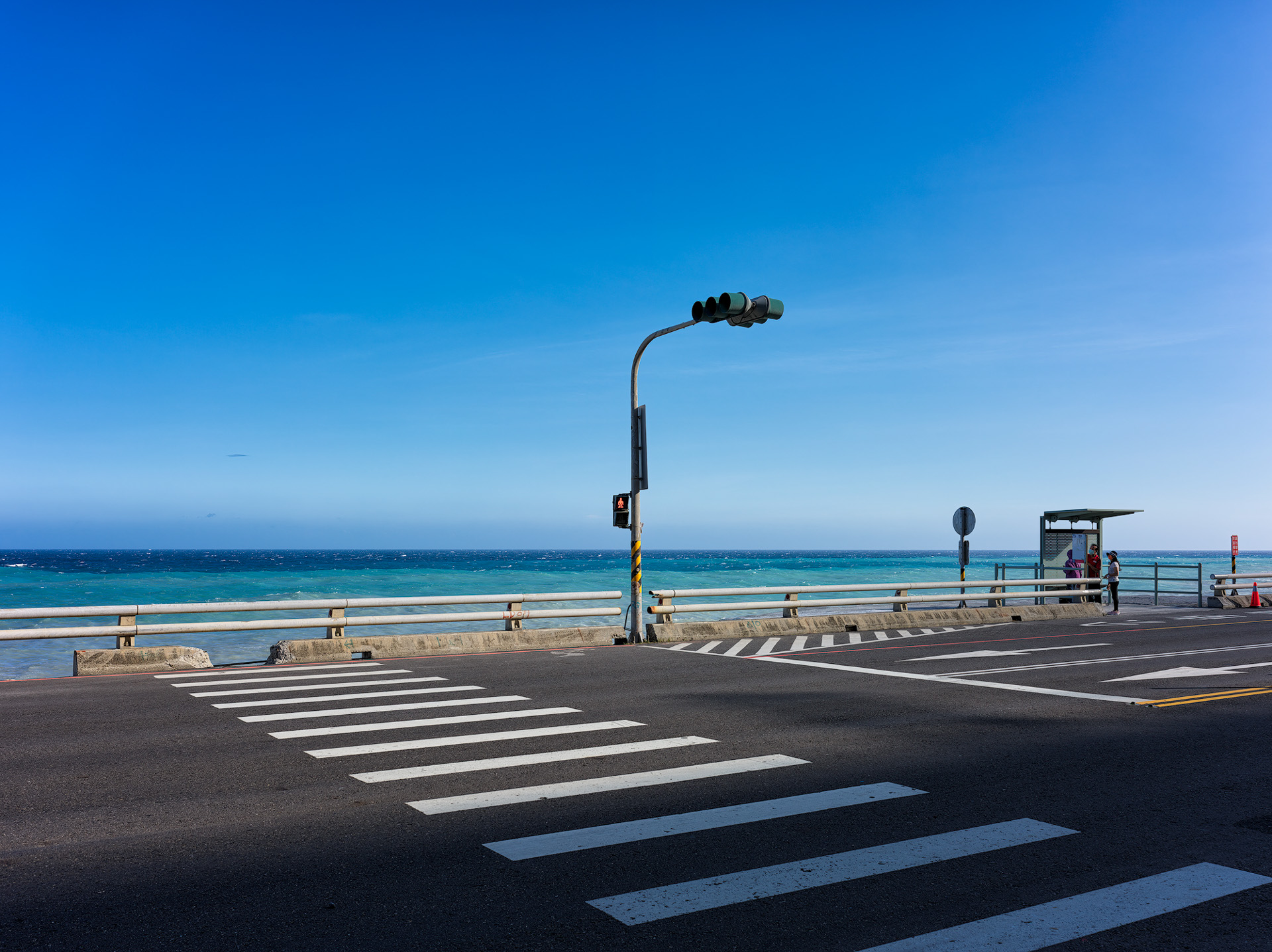
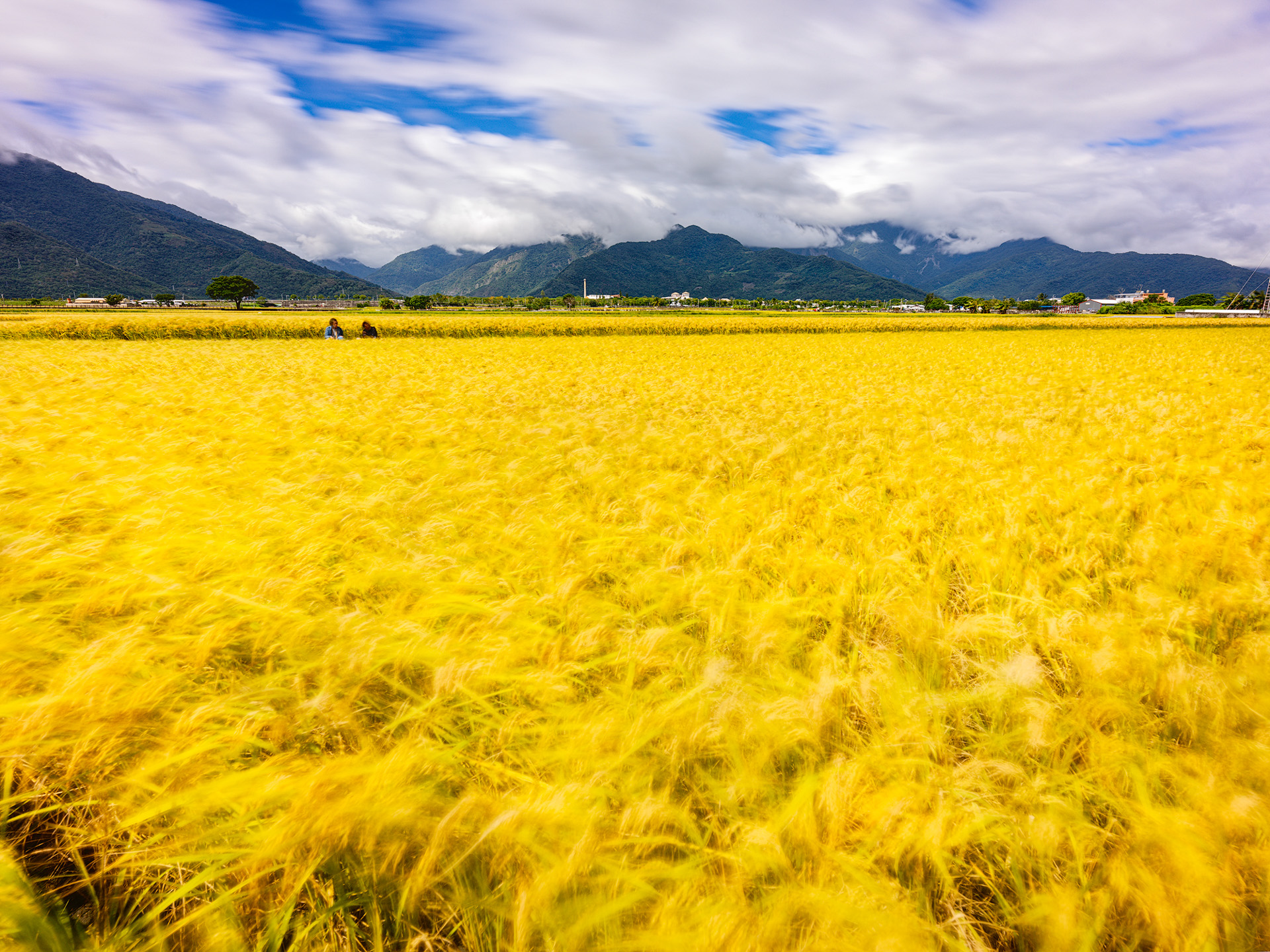
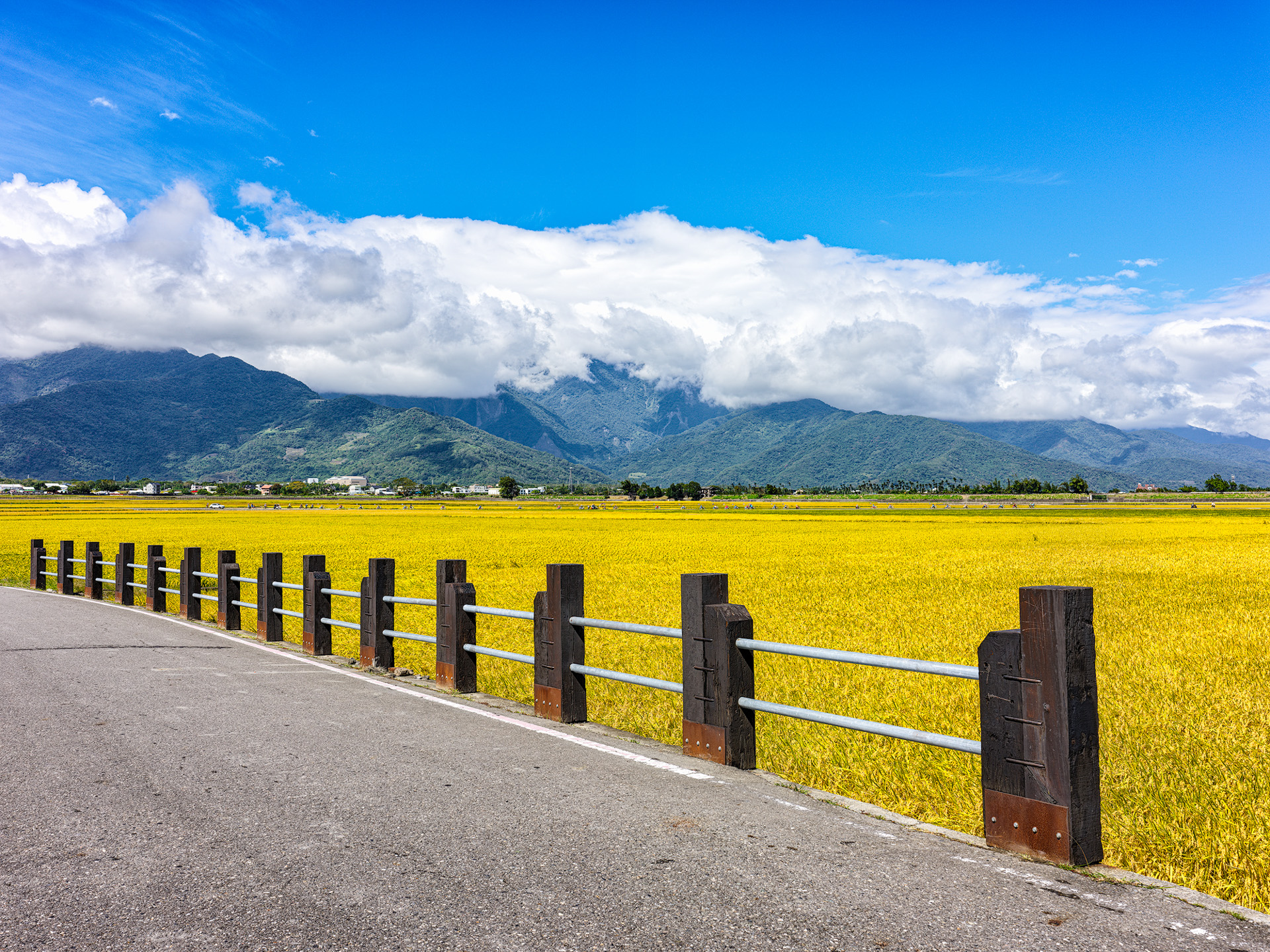
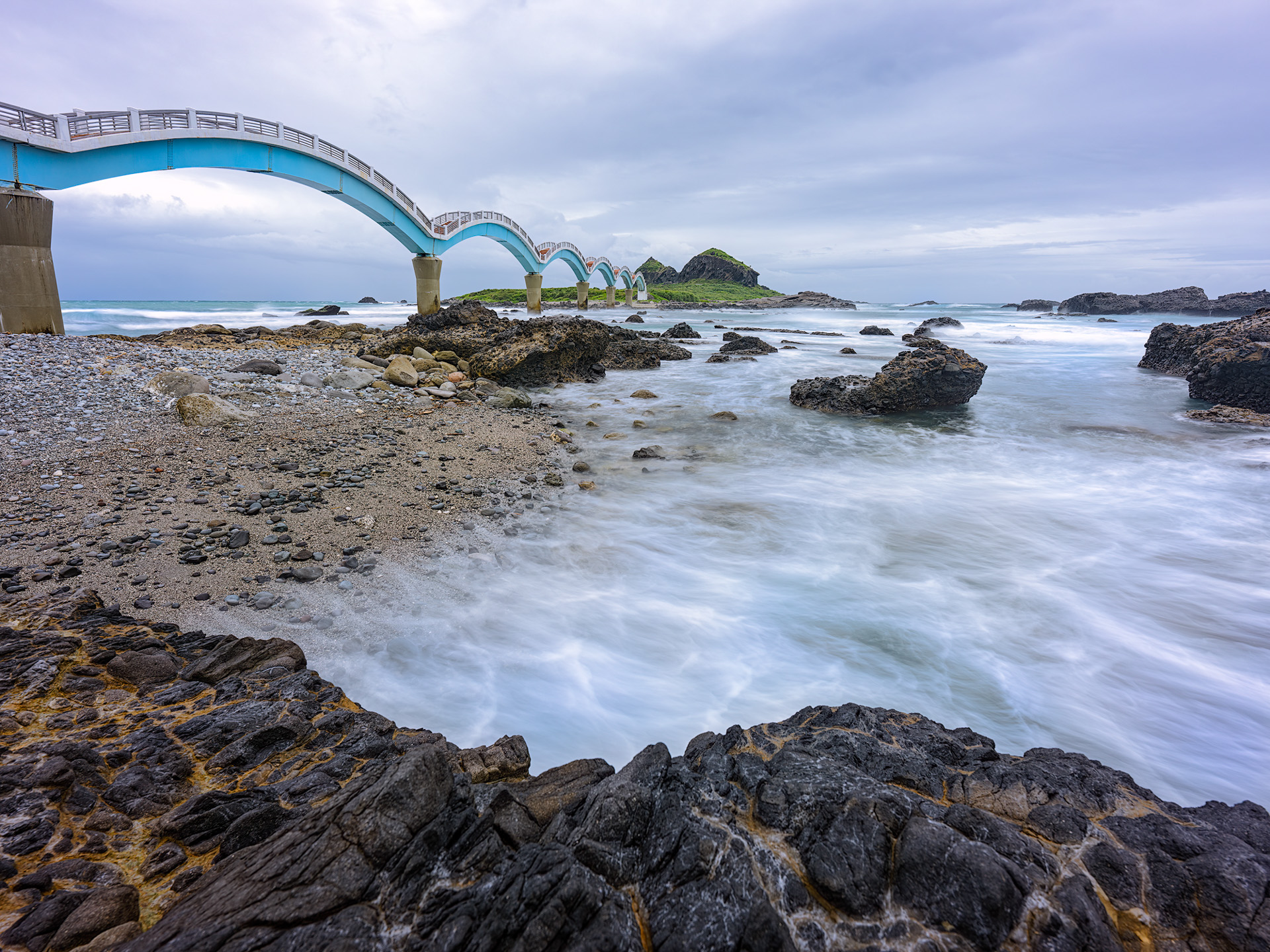
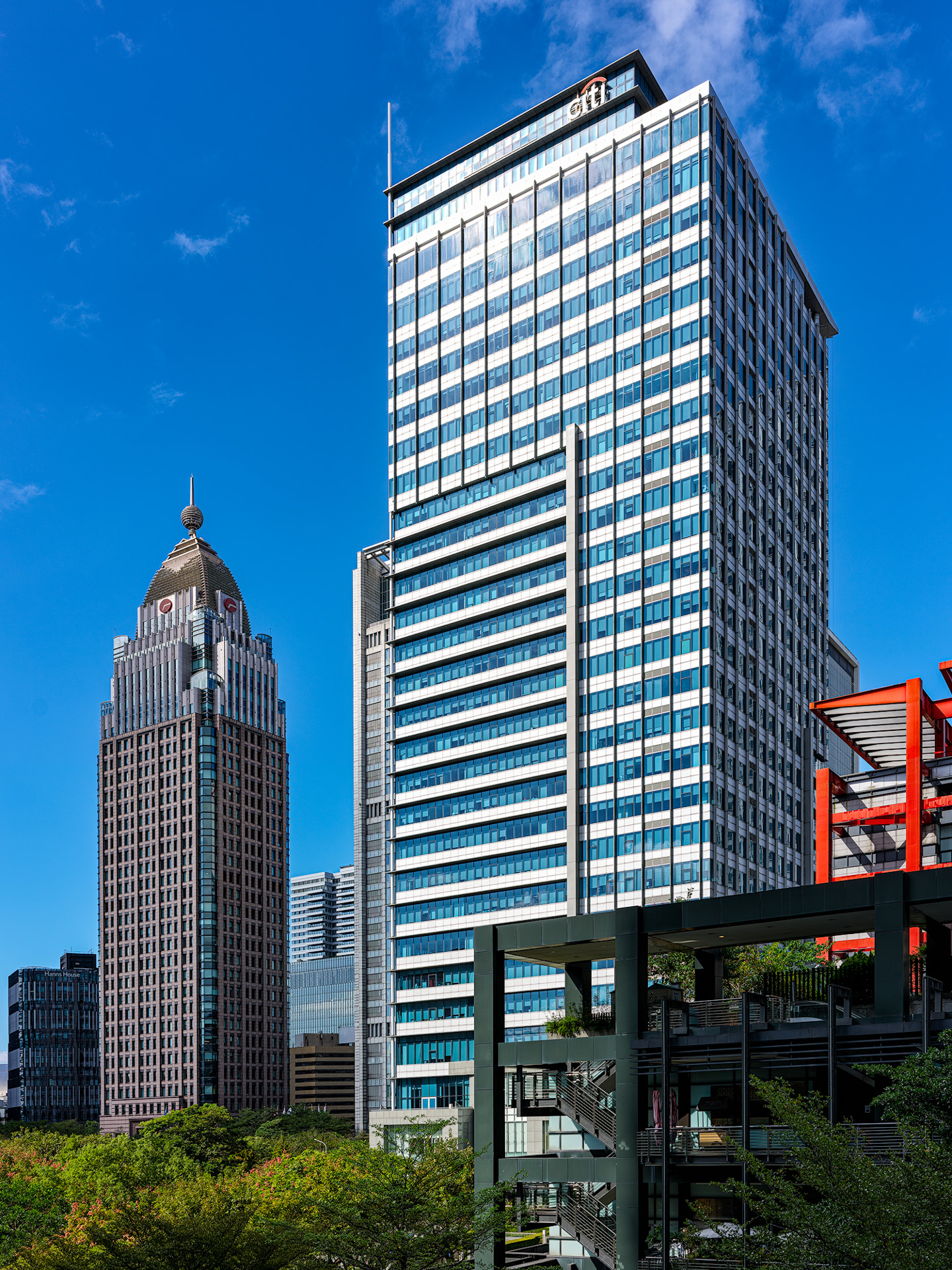
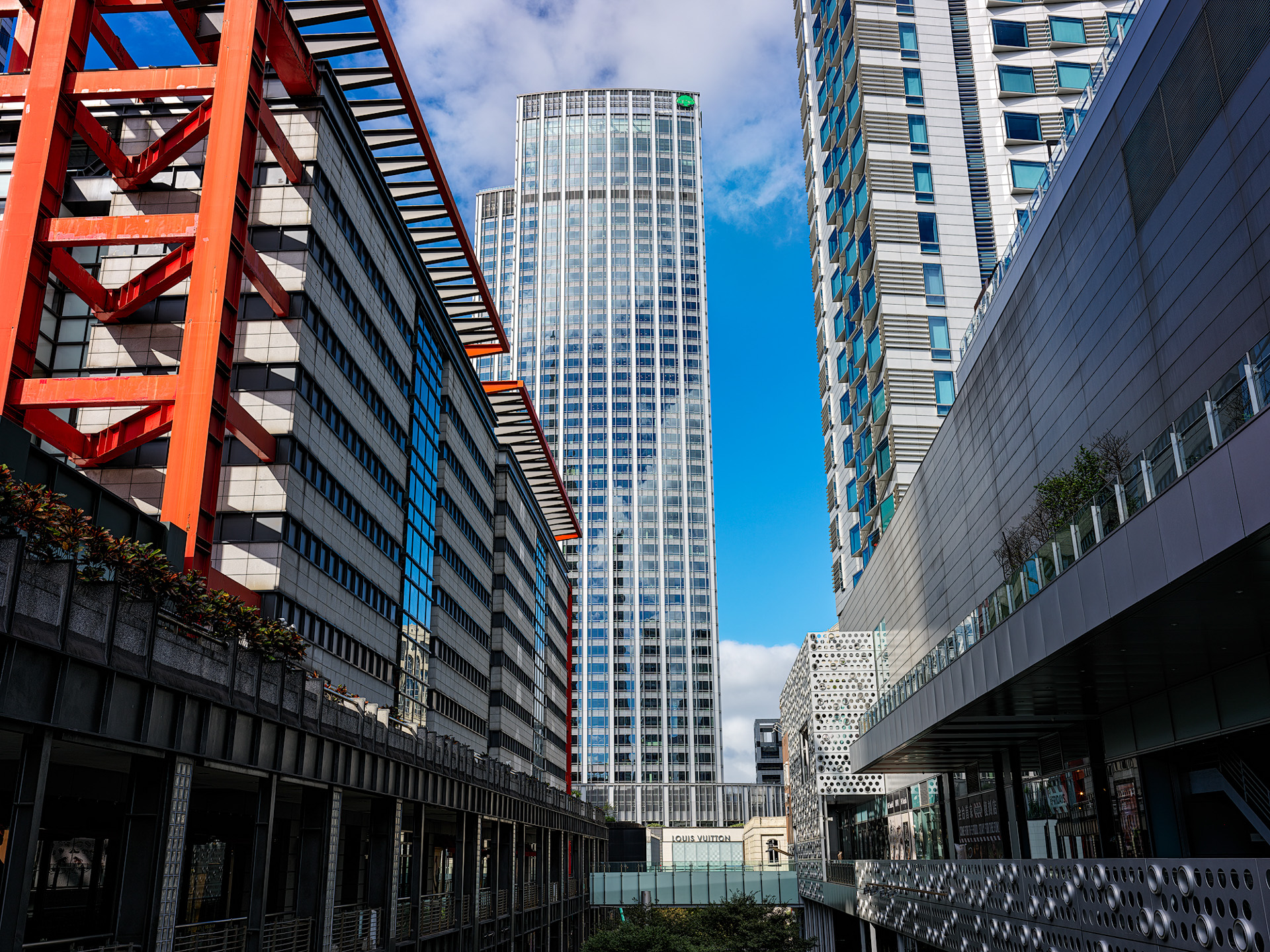
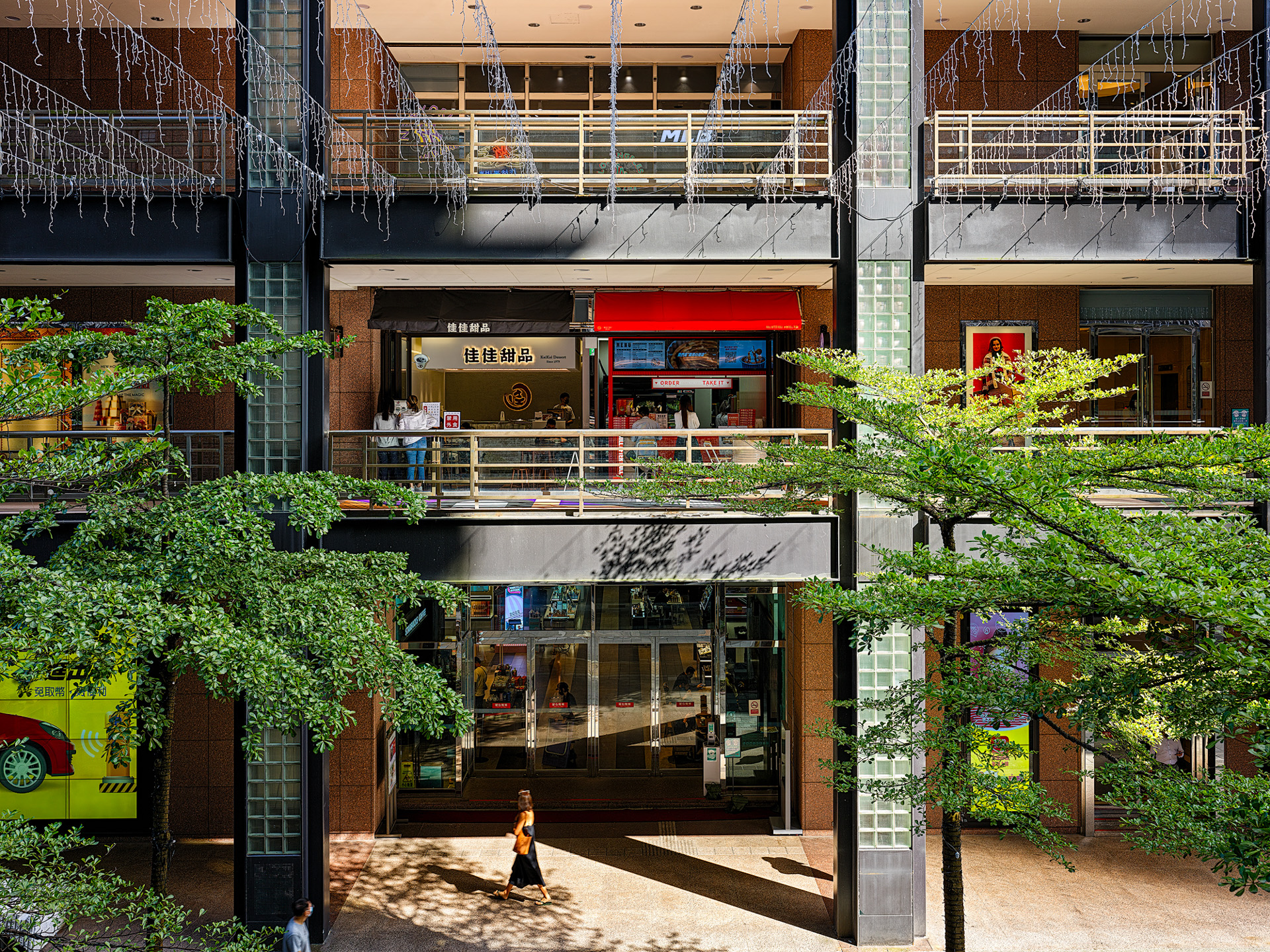
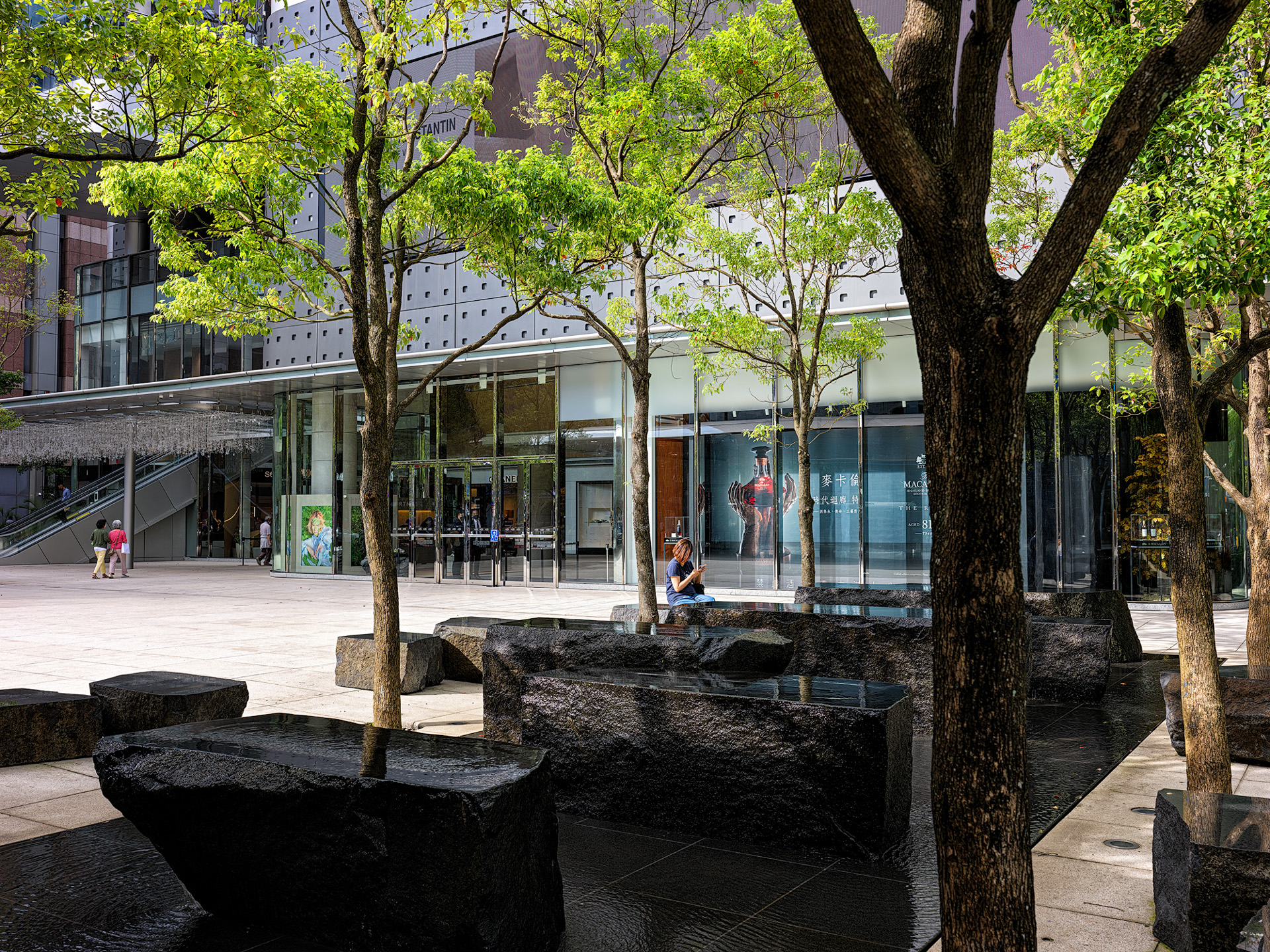
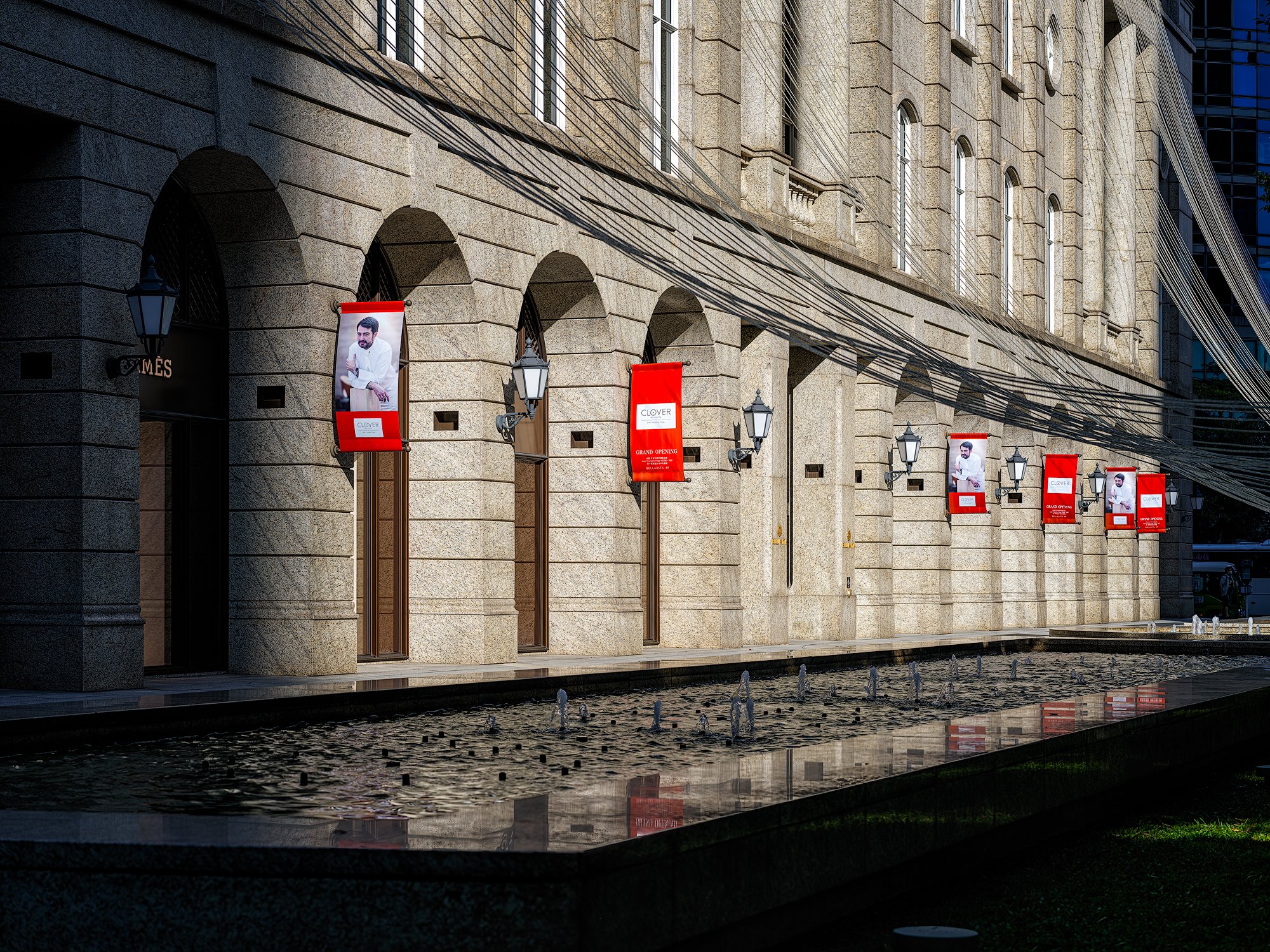
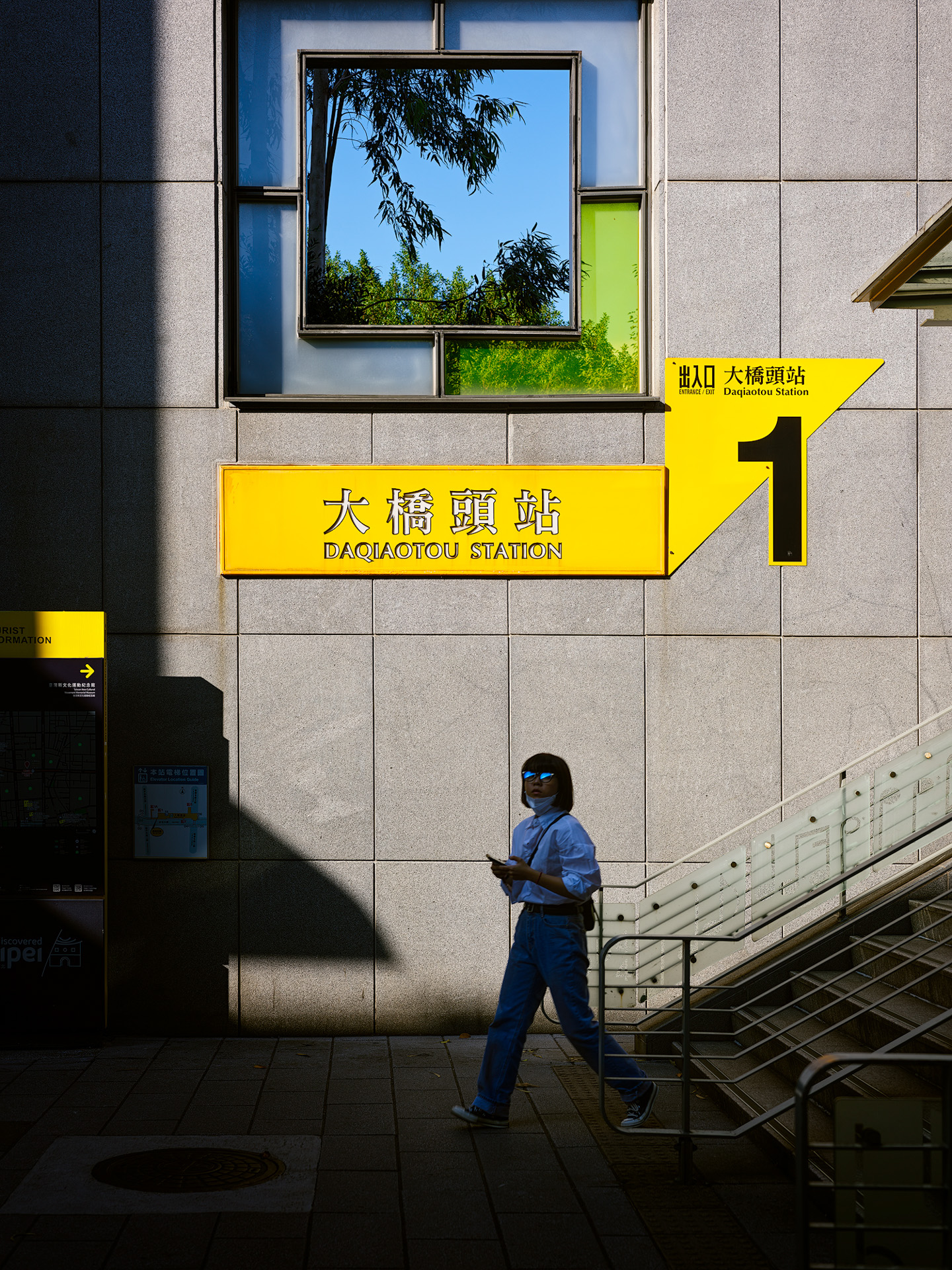
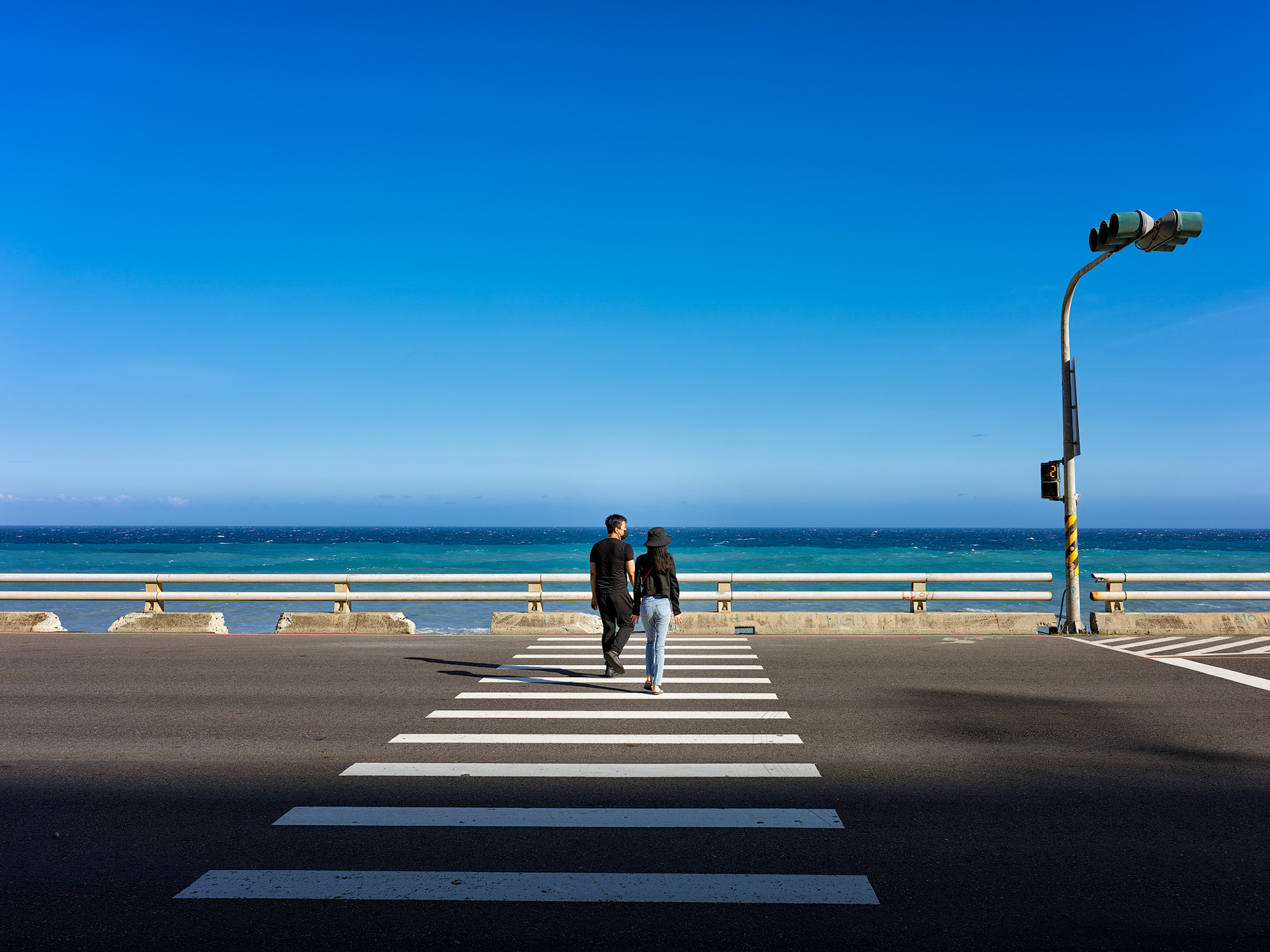
Next, here are more sample images showing the X2D in various scenes — sunny, overcast, and rainy...


.
Conclusion
The X2D-100c is definitely not an easy, everyone-friendly camera — at least with the current firmware tuning. Compared to the previous X1D II, the new IBIS is genuinely impressive, but good shooting habits remain king. And this camera, because it lacks auto ISO in M mode, is a poor choice for street photography. Shooting landscapes in sunlight, center-weighted metering is still fairly accurate and protects highlights well — but in overcast conditions or with ND filters, the metering goes badly wrong, and the missing "full-area average metering" option is a real inconvenience. As for the dual AF system, it's less help than you'd hoped. Hasselblad is said to be releasing an eye-AF feature... which might help when shooting a cooperative model. But by 2022 standards — a camera with no continuous AF and AF that's not very fast — would you really expect much from eye AF?
Here are my usage recommendations:
- When shooting landscapes with center-weighted metering in good sunny weather, you can trust the metering. If your frame's highlights aren't the subject and hold no detail — like already-blown clouds or reflective metal — add 0.33–0.67 EV to lift the shadows.
- If image quality matters to you, keep ISO at 1600 max when shooting.
- If you insist on street shooting, do it in stable light and use trap focus often.
- If possible, check the histogram after every shot.
- When processing RAW files — recovering highlights or lifting shadows — do it in Phocus.

Honestly, people who want to shoot with the X2D are after stunning resolution, superb color, and dimensional images — and the X2D delivers all of that. At its core, this camera fully delivers! Perhaps the hardware operation has flaws, perhaps the firmware still needs many fixes — these are all things that can be overcome. But many of these are things we consumers shouldn't have to work around.
Share this story